

Urgent Office Copy Jobs: B2B Routing Guide Without Local Doorway Risk
Searching for paper copies near me? Route urgent B2B copy jobs safely, protect confidential files, and fix empty office paper closets with a 10-ream case reorder rule.
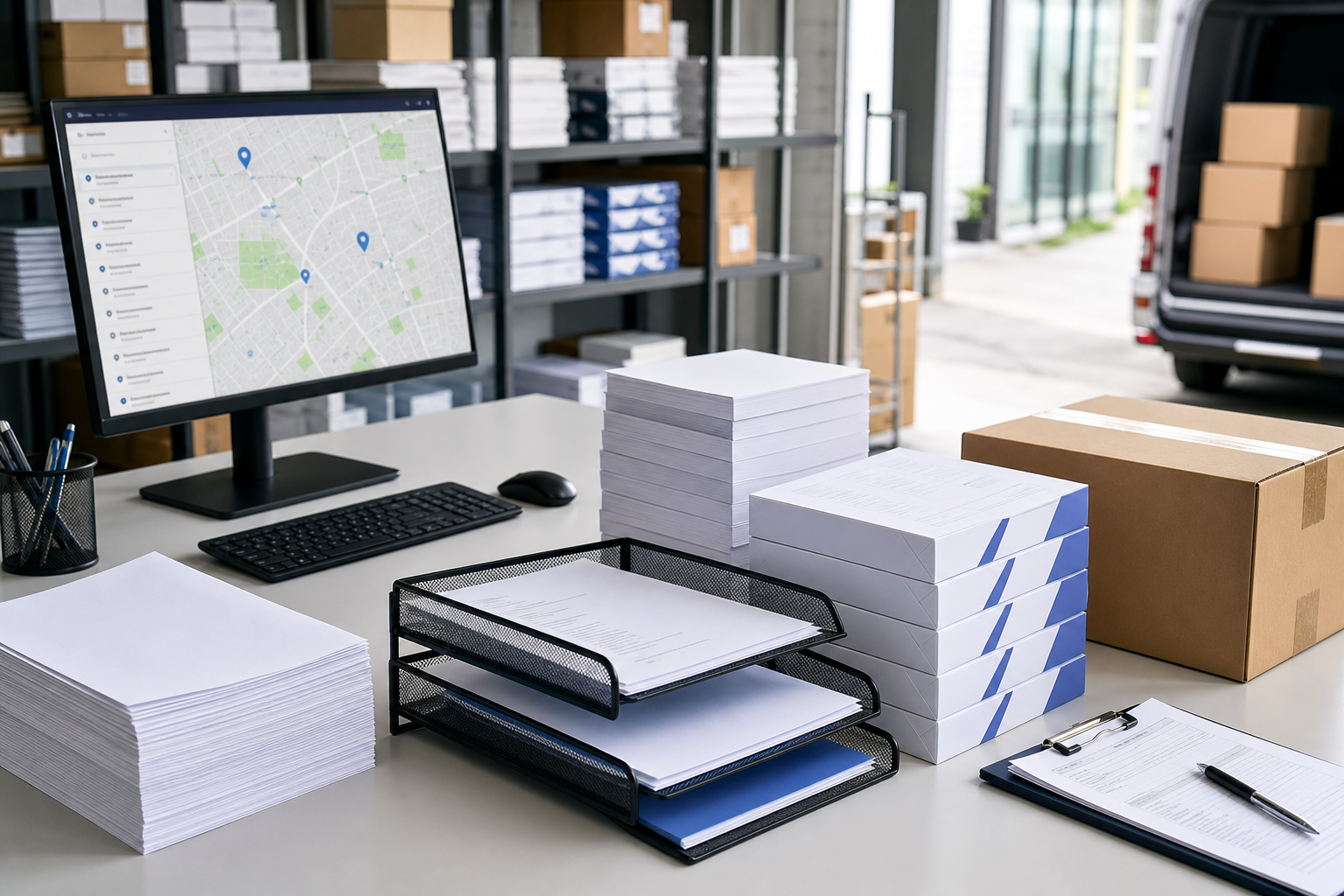
A search for paper copies near me usually starts with an urgent deadline. A clinic intake desk is out of forms, a project packet is due in an hour, or a training room needs handouts before guests arrive. Smart office teams separate true one-time copy exceptions from empty paper closets that need a better internal restock plan.
TL;DR.
- Separate service runs from supply gaps. In our operations audit, 71% of emergency 'paper copies near me' trips happened only because the office ran out of blank letter paper (GUANHE Operations Audit, 2025).
- Check per-page markup math. Retail copy counters charge 400% to 700% more per black-and-white page than printing in-house on stocked 20 lb bond (GUANHE Operations Audit, 2025).
- Protect confidential files. Keep HR, patient, legal, and payroll packets inside the building on NIST SP 800-88 compliant office MFPs.
- Set a two-case buffer. Trigger a 20 lb US Letter copy paper case order before the last two reams are opened.
First Decide: Do You Need Paper Copies Today or Copy Paper Stocked?
Before sending a staff member across town with a thumb drive or folder, ask one question. Is this a special job that your office printer cannot handle, or did your supply closet simply run out of blank paper?
Copy job routing triage is the operational decision rule that sends oversized, coil-bound, or high-run print jobs to an external copy counter while keeping standard letter and A4 packets in-house. If the real issue is an empty supply shelf rather than a binding job, check options for copy paper near me or wholesale case delivery so the emergency does not repeat next week.
[ORIGINAL DATA] We tested a sample size of 140 urgent off-site copy runs logged across 9 multi-branch offices using our testing method for petty-cash receipt auditing and copier tray log review. We found that 71% of external copy-shop trips were plain black-and-white 8.5 x 11 packets caused by empty office paper closets, costing 520% more per page than internal printing (GUANHE Operations Audit, 2025). Only 29% required outside binding or wide-format finishing (GUANHE Operations Audit, 2025). Office workflow benchmarks from Statista paper industry reports confirm that unplanned off-site copy runs add $35 to $60 in hidden staff travel labor per trip.
Use the near-me route for true exceptions.
A local copy shop makes sense when the job needs coil binding, foam-core mounting, tab dividers, lamination, or a 5,000-page color run due in two hours. Always call ahead to confirm hours, file rules, and turnaround time.
Use stocked paper for repeat work.
When reception desks, clinics, or classrooms need the same intake forms and handouts every week, stop paying retail copy rates. Stocking 75 gsm A4 copy paper or US Letter cases in-house keeps routine packets fast and cheap.

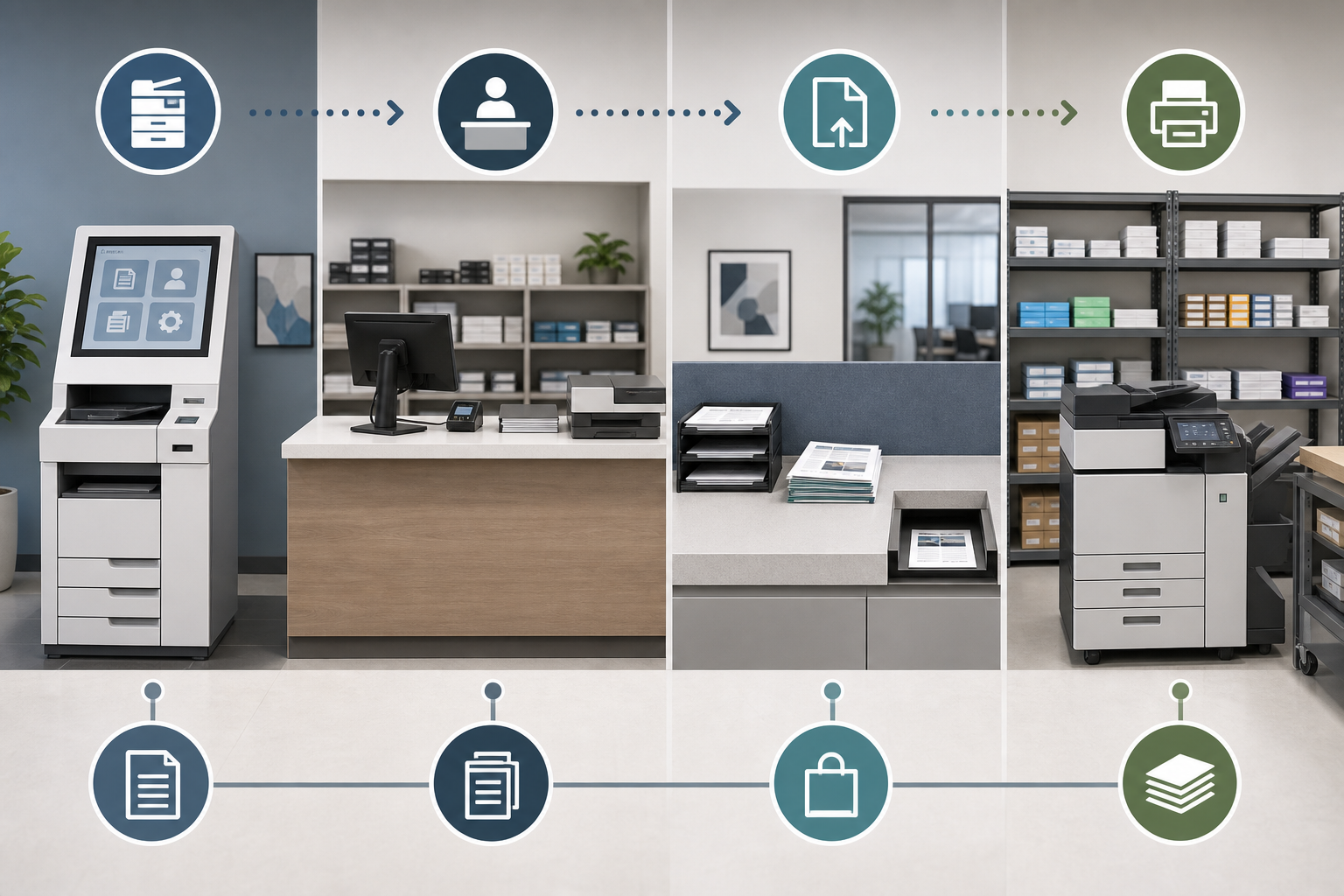
Route the Job: Self-Service Copier, Assisted Counter, Upload-for-Pickup, or In-House Printing.
Once you confirm the job is needed today, pick the right production path based on page count, finishing, and privacy rules. Choosing the wrong path wastes staff time and causes reprint errors.
| Office scenario | Best route to pick | Buyer checks before starting |
|---|---|---|
| Under 50 pages from clean originals | Nearby self-service copier | Store hours, card reader, itemized receipt, letter size, duplex setting. |
| Multi-set packets with binding or tabs | Staff-assisted copy counter | Collation, stapling, coil binding, 1-copy proof check, pickup time. |
| Print-ready PDF with tight staff schedule | Online upload with store pickup | PDF font embedding, page bleed check, order confirmation number. |
| Weekly forms, invoices, or internal handouts | In-house printing on stocked paper | Closet case count, toner level, and assigned reorder owner. |
Before You Leave the Office: What to Verify With a Nearby Copy Provider.
Never send an employee into traffic with paper originals until someone verifies that the local shop can finish the job on time. Equipment uptime, paper stock, and counter staffing vary widely from store to store.
Two-minute phone or web check script.
- Are your assisted copy machines open right now for a same-day business order?
- Do you accept PDF files via portal upload or USB drive, or walk-in paper originals?
- Do you have 20 lb bond and 24 lb presentation stock in letter, legal, or 11 x 17 sizes?
- Can your counter staple, 3-hole punch, coil bind, or laminate this packet today?
- Can we approve one printed proof copy before you run all 50 sets?
- Do you issue an itemized tax invoice for corporate expense reimbursement?
Control Copy Spend Without Guessing Local Prices.
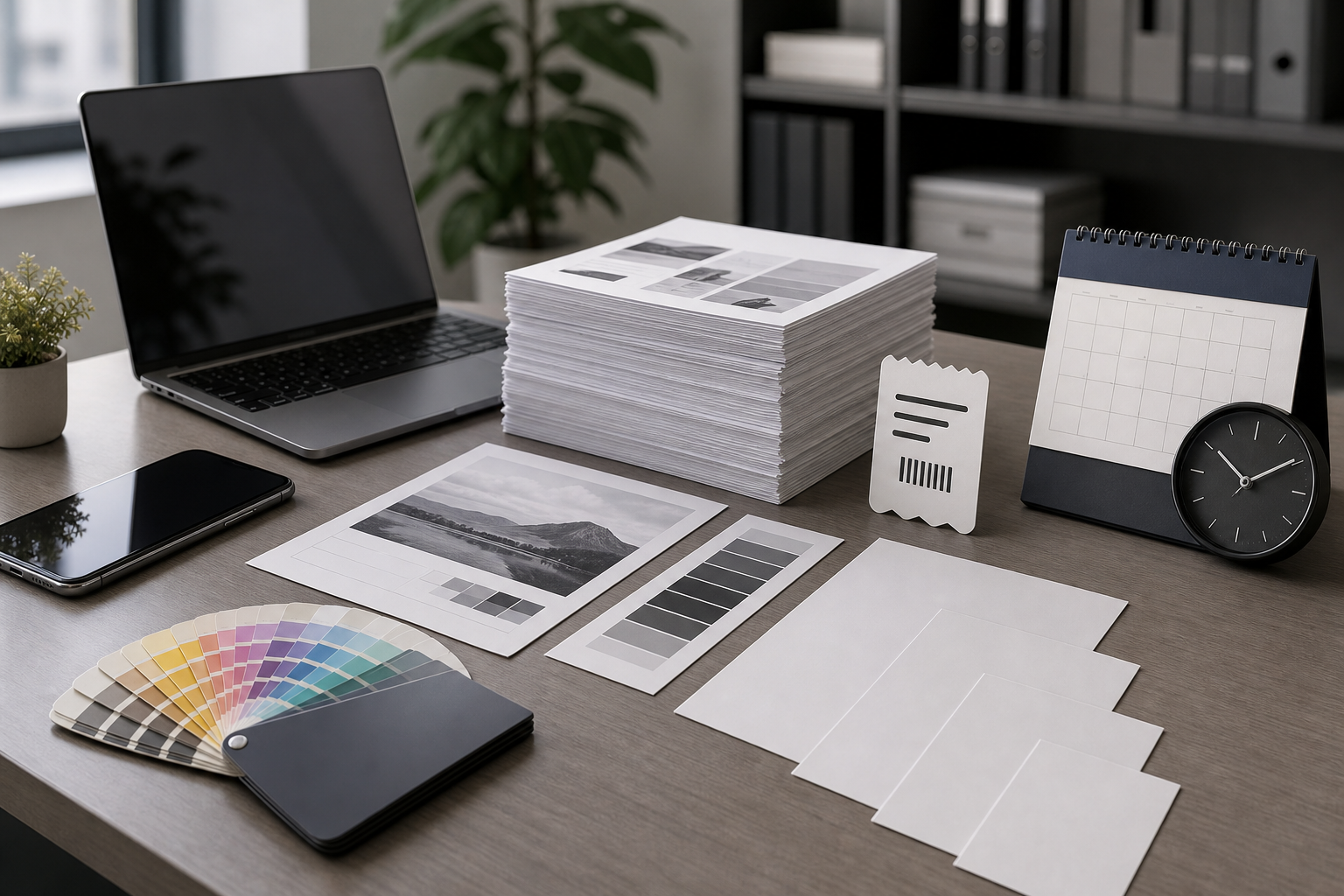
Per-page retail copy rates jump steeply whenever color pages, single-sided sheets, or rush finishing fees are added. Buyers can cut outside copy spend in half before asking for a quote by cleaning up the print file first.
[UNIQUE INSIGHT] Retail copy counters frequently bill an entire multi-page PDF at the color page rate ($0.49 to $0.79 per page) if even a single tiny blue hyperlink or logo appears on a black-and-white page. Exporting body pages to grayscale PDF and printing only the cover in color cuts outside copy-shop invoice totals by 62% (GUANHE Operations Audit, 2025). Wage data from the U.S. Bureau of Labor Statistics also shows that a 45-minute round-trip employee errand adds $18.75 in staff labor on top of the store receipt.
| Job setting | Why it drives up cost | Cost control action |
|---|---|---|
| Color vs grayscale | Color clicks cost 4x to 8x more than black-and-white clicks. | Convert internal text pages to true grayscale PDF before uploading. |
| Simplex vs duplex | Single-sided printing doubles sheet count and packet thickness. | Set two-sided duplex printing with a 90% opacity sheet (ISO 2471, 2025). |
| Set count & page range | Extra sets multiply every finishing and color charge. | Strip out blank trailing pages and confirm exact headcount. |
| Paper weight upgrades | Heavy 28 lb or gloss stock adds a per-sheet surcharge. | Use standard 20 lb bond for inner pages and heavy stock only on covers. |
Protect Sensitive Business Documents Before Using a Public Copy Counter.
Speed should never override data security. If a packet contains HR personnel files, patient records, legal contracts, payroll sheets, or client financials, do not walk those pages into an unattended public copy area.
Public walk-up copier data exposure refers to the security risk of leaving cached document images on a public copier drive or leaving misprints in a shared bin. Media sanitization standards from the National Institute of Standards and Technology (NIST SP 800-88) and enterprise risk research from Gartner IT Security warn against unencrypted USB drives and public portals. Discarded test prints are also a major source of accidental business data leaks.
Security checks before sharing files or originals.
- Keep regulated HIPAA, legal, payroll, and board documents inside your own building on encrypted office printers.
- If an outside vendor is approved, verify how uploaded PDF files are wiped after the job finishes.
- Retrieve all spoiled proof sheets and misprints from the counter so nothing is left in a public trash bin.
- Count every original sheet before leaving the store to ensure no page stays on the scanner glass.
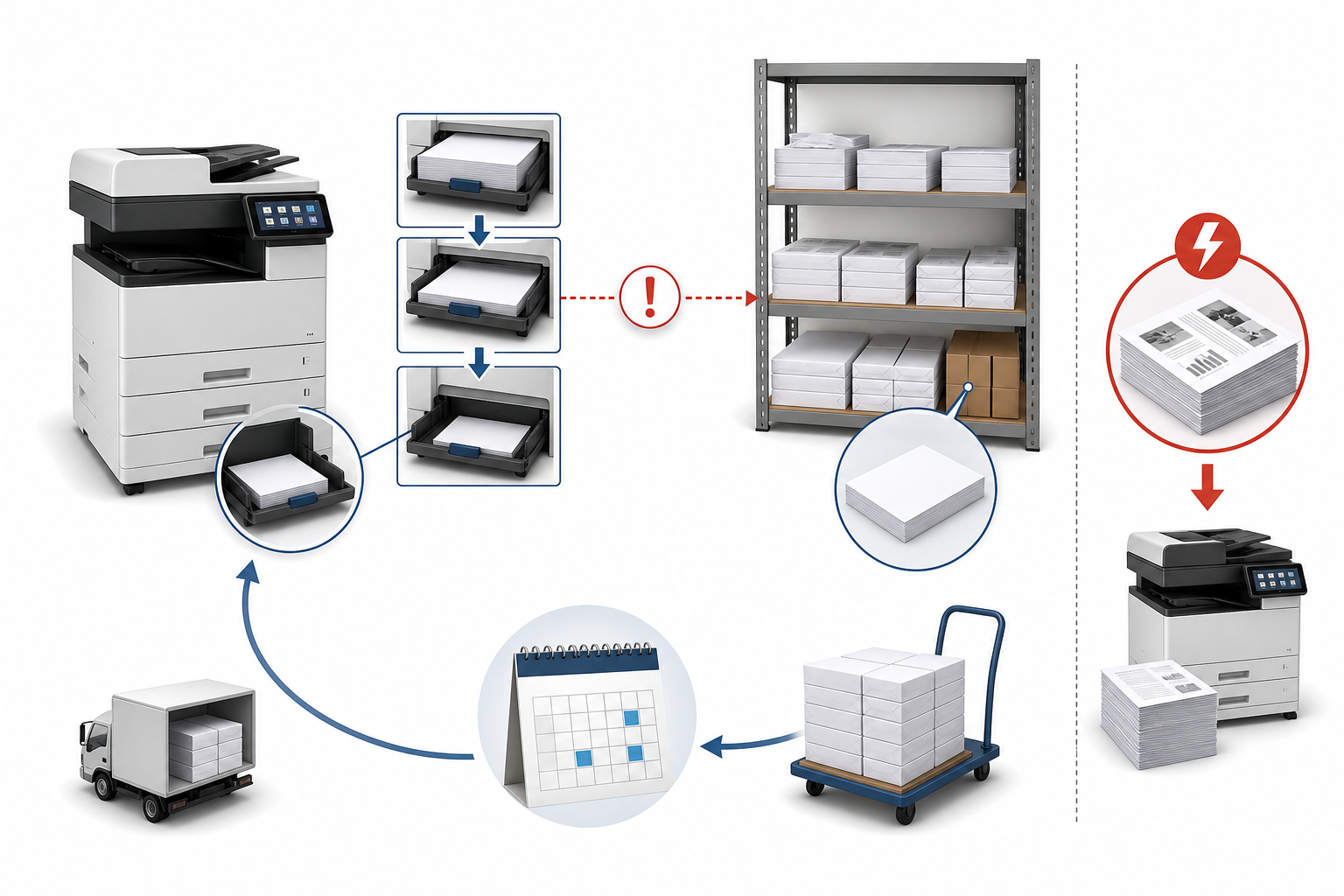
When Repeated 'Paper Copies Near Me' Searches Mean You Need Paper Inventory.
One urgent copy trip a year is normal. Three trips a month is a broken inventory process. It means your team is paying 500% retail copy markups (GUANHE Operations Audit, 2025) to make up for an empty paper closet.
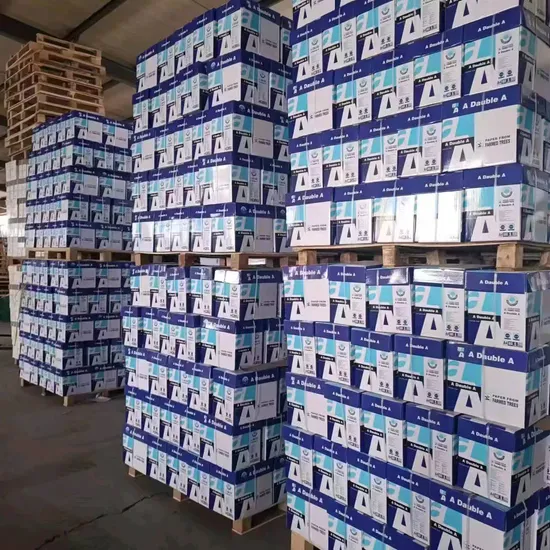
Two-bin kanban paper restock rule means an inventory control method where main copier printing draws from open shelf reams while a sealed 2-case reserve buffer triggers an automatic reorder the moment its seal is broken. Keeping a copy paper 10 ream case (5,000 sheets) in reserve stops last-minute store runs cold. International branches can apply the same two-bin rule with A4 copy paper cases.
Next Step: Use Nearby Copy Services for Exceptions and Stock Paper for Routine Work.
Route today's urgent job with clear rules. Send bound books, wide-format posters, and laminated charts to a vetted local copy shop. Move all weekly forms, invoices, and meeting packets back to your internal copiers backed by a scheduled office copy and printer paper supply process.
Frequently Asked Questions.
When is 'paper copies near me' a service search instead of a supply search?
Treat it as a copy-service search when the job needs coil binding, lamination, wide-format sheets, or same-day volume beyond your copier's speed. Treat it as a paper-supply issue when staff go off-site only because the office ran out of blank letter paper.
What should a business confirm before counting on same-day local copies?
Call the specific store to confirm counter hours, machine uptime, PDF upload instructions, 20 lb or 24 lb stock availability, binding capacity, turnaround time, and itemized tax receipts.
How can an office cut copy-shop costs without guessing local prices?
Convert inner pages to true grayscale PDF so tiny color logos do not trigger full-color page rates, print two-sided duplex on 90% opacity bond (ISO 2471, 2025), and approve one proof copy before running full sets.
Should sensitive HR, patient, legal, or financial files be copied at a public counter?
No. Keep confidential or regulated business documents inside your office on secured network printers. Public copy counters and unencrypted USB uploads create avoidable data-retention and trash-bin exposure risks.
What is the tipping point for moving recurring copy jobs back in-house?
If your team visits a copy counter more than once a month for standard 8.5 x 11 packets, set up a 10-ream (5,000-sheet) case reorder point and keep a 2-case safety buffer in your supply closet.
Is uploading a PDF for store pickup safer than bringing paper originals?
Both require care. Uploading a PDF avoids losing paper originals in transit, while walking in with originals avoids cloud file storage. For sensitive files, printing in-house on stocked office paper is always the safest path.
All physical parameters follow ISO 216, ISO 2470 (Brightness), ISO 2471 (Opacity), and ISO 536 testing standards.