

Define the Paper Copies Request Before Anyone Prints
A request for paper copies usually means finished printed or copied documents: packets, forms, handouts, manuals, proposals, or other physical sets that people will use in a meeting, training room, reception area, field visit, or file archive. The procurement problem starts when that request is treated as obvious before anyone defines the output.
Before choosing a printer, copy service, or paper order, separate three possibilities. The business may need finished paper copies, a supply of office paper to produce those copies, or both. If the wording is unclear, it helps to clarify a paper copy request before committing budget. When someone asks for copies of paper, they may actually mean copy paper for producing office copies, not an outsourced copy run.
A useful intake conversation starts with the business outcome, not the equipment. Ask who will receive the documents, how they will be used, and what failure would look like if the copies are late, incomplete, illegible, or printed on the wrong stock.
- Training packets may need set completeness and durable handling.
- HR forms may need confidentiality and version control.
- Meeting handouts may prioritize timing and page order.
- Proposals may need cleaner presentation and color accuracy.
- Internal manuals may need duplexing, tabs, binding, or other finishing.
Choose the Production Route: In-House Copier, Self-Service Copying, or Outside Print Provider
The fastest route is not always the lowest-risk route. For office paper copies, the route decision should consider volume, color needs, finishing, confidentiality, staff time, device availability, and deadline pressure. This choice determines whether procurement should focus on paper supply, internal labor coordination, or a quote-ready instruction for an outside document printing provider.
Looking for Factory-Direct Copy Paper Prices?
Skip the middlemen. Get FOB/CIF container quotes directly from the mill. OEM private labeling available.
Use the route that matches the risk level
| Route | Best fit | Procurement risk to manage |
|---|---|---|
| Office copier or MFP | Repeatable black-and-white copies, controlled files, predictable paper stock | Paper supply, toner, device capacity, jams, staff time |
| Employee self-service copying | Simple, low-volume, low-confidentiality jobs with minimal finishing | Wrong settings, incomplete sets, inconsistent output |
| Outside print provider | Higher volume, color work, binding, tight assembly requirements, or overflow jobs | File transfer, proofing, substitutions, turnaround, pickup or shipping confirmation |
Keep sensitive or frequently revised documents under tighter control unless the outside provider can confirm acceptable handling procedures. Send work out when internal equipment would create bottlenecks, when finishing requires equipment the office does not have, or when color consistency matters more than convenience.
For self-service copying, define limits. It may work for a few meeting handouts, but it is usually a poor fit for multi-set training packets, confidential HR documents, or manuals where missing pages create rework.
Build a Paper-Copy Job Ticket With the Fields a Buyer Actually Needs
A paper-copy job ticket turns a vague request into production instructions. It gives an admin team, internal print room, paper supplier, or outside print provider the same operating details, reducing repeated emails and avoiding assumptions about color, sides, stock, and timing.
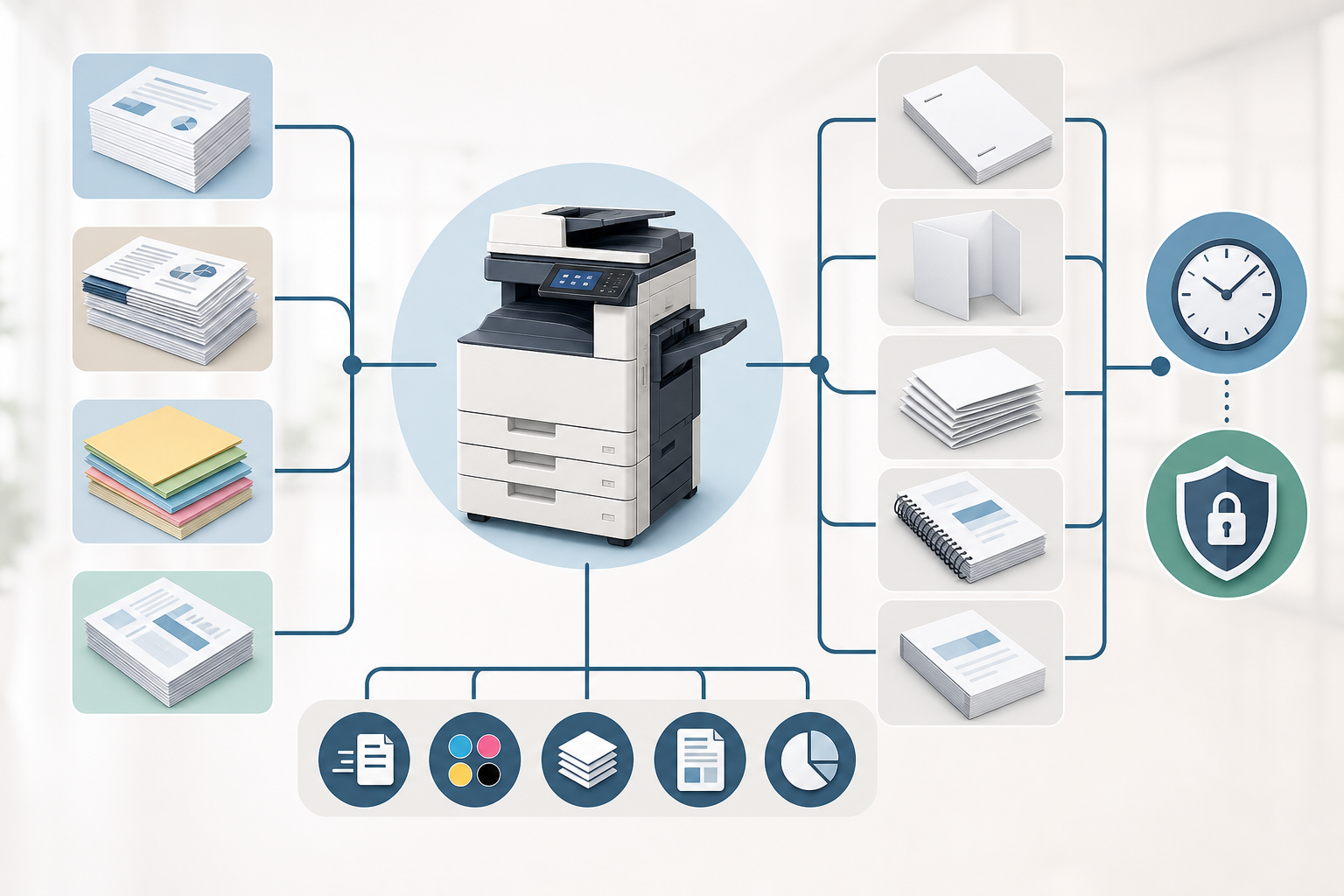
Fields to define before copying starts
- Document type: training packet, onboarding form, proposal, sales sheet, compliance handout, internal manual, or everyday office document.
- File readiness: final PDF, editable file, scanned original, mixed originals, or documents still awaiting approval.
- Page count and sets: total pages in the source file and the number of finished sets required.
- Sides: single-sided, double-sided, or mixed pages that require special handling.
- Color mode: black-and-white only, selected color pages, or full-color output.
- Paper size and stock: letter, legal, tabloid, or another size, plus any weight, brightness, or presentation preference.
- Finishing: stapling, hole punching, folding, tabs, covers, binding, shrink wrapping, or set separation.
- Deadline and approval owner: when copies are needed and who approves the proof or first set.
- Confidentiality and substitution rules: who may access the file and whether alternate paper or finishing can be used.
The job ticket should also state whether the output is a one-time copy run or a recurring office need. Recurring training, HR, or compliance packets may justify a standard template, while a one-off proposal may need tighter proof approval and presentation controls.
Plan Paper Supply for In-House Paper Copies
If the copy run stays in-house, paper procurement becomes part of production control. The buyer is not simply replenishing a cabinet; the paper must support the job ticket, the copier or MFP, the finishing method, and the deadline. Running out halfway through a packet build can create version confusion and restart costs.
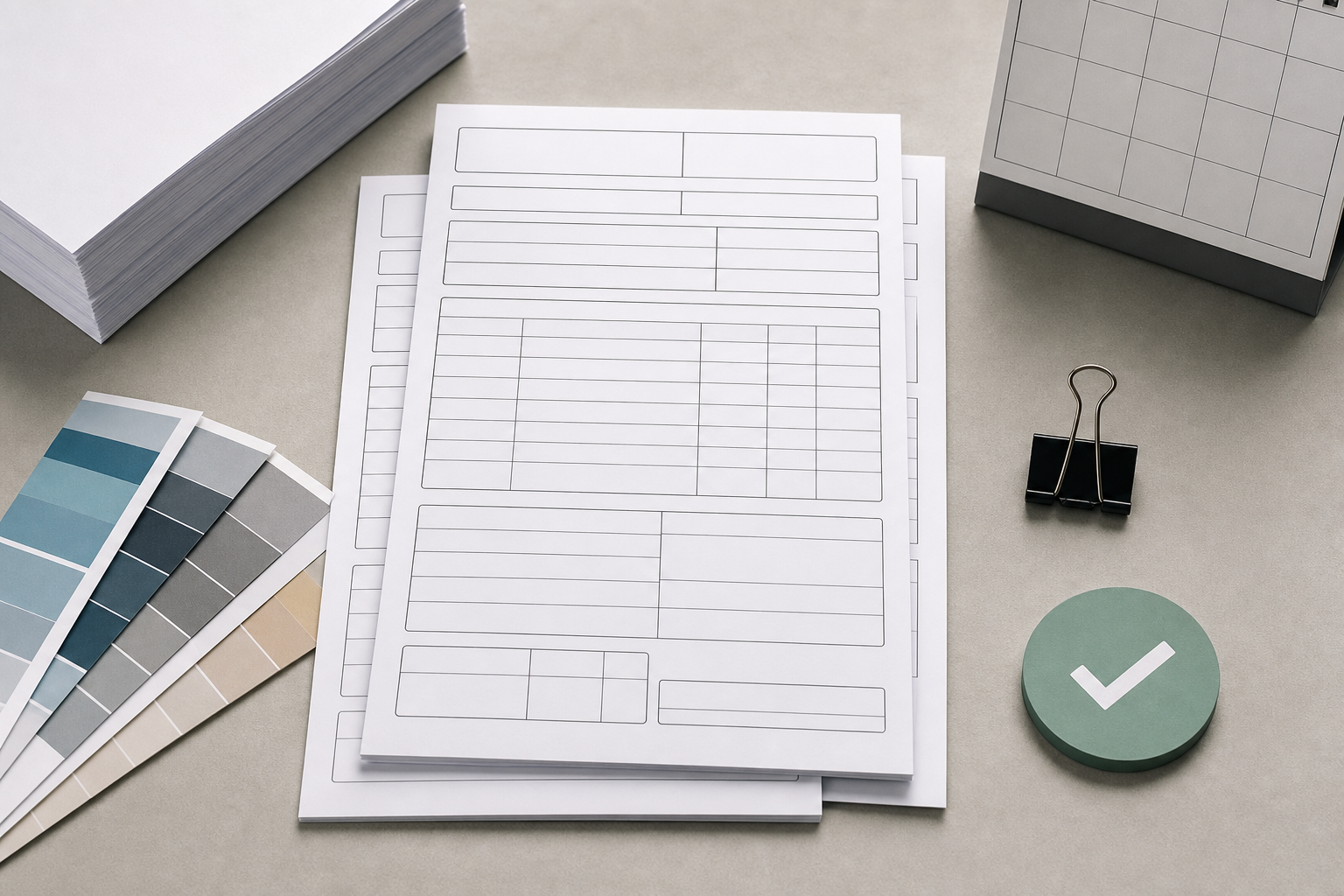
Estimate sheets from the actual copy run
Start with source page count multiplied by the number of sets. Then adjust for single-sided versus double-sided output, odd page counts, separator pages, cover sheets, and any required test copies. Add a practical allowance for proofing, misfeeds, jams, rejected first copies, and damaged sheets. The allowance should reflect the risk of the job rather than an arbitrary percentage.
Match stock to device and document use
Confirm paper size, weight, brightness, grain direction when relevant, and compatibility with the office copier or printer. A simple handout may run on standard office paper, while a proposal cover or sales sheet may need a different stock. For common office-weight planning, review 20 pound copy paper specifications before using that stock as the default.
Time restock before the device becomes the bottleneck
Check on-hand paper before scheduling staff time for copying. If the run uses the 8.5 x 11 copy paper standard plus specialty sheets, separate the requirements. Define approved substitutions in advance, and confirm restock timing early enough that paper supply does not determine the production schedule.
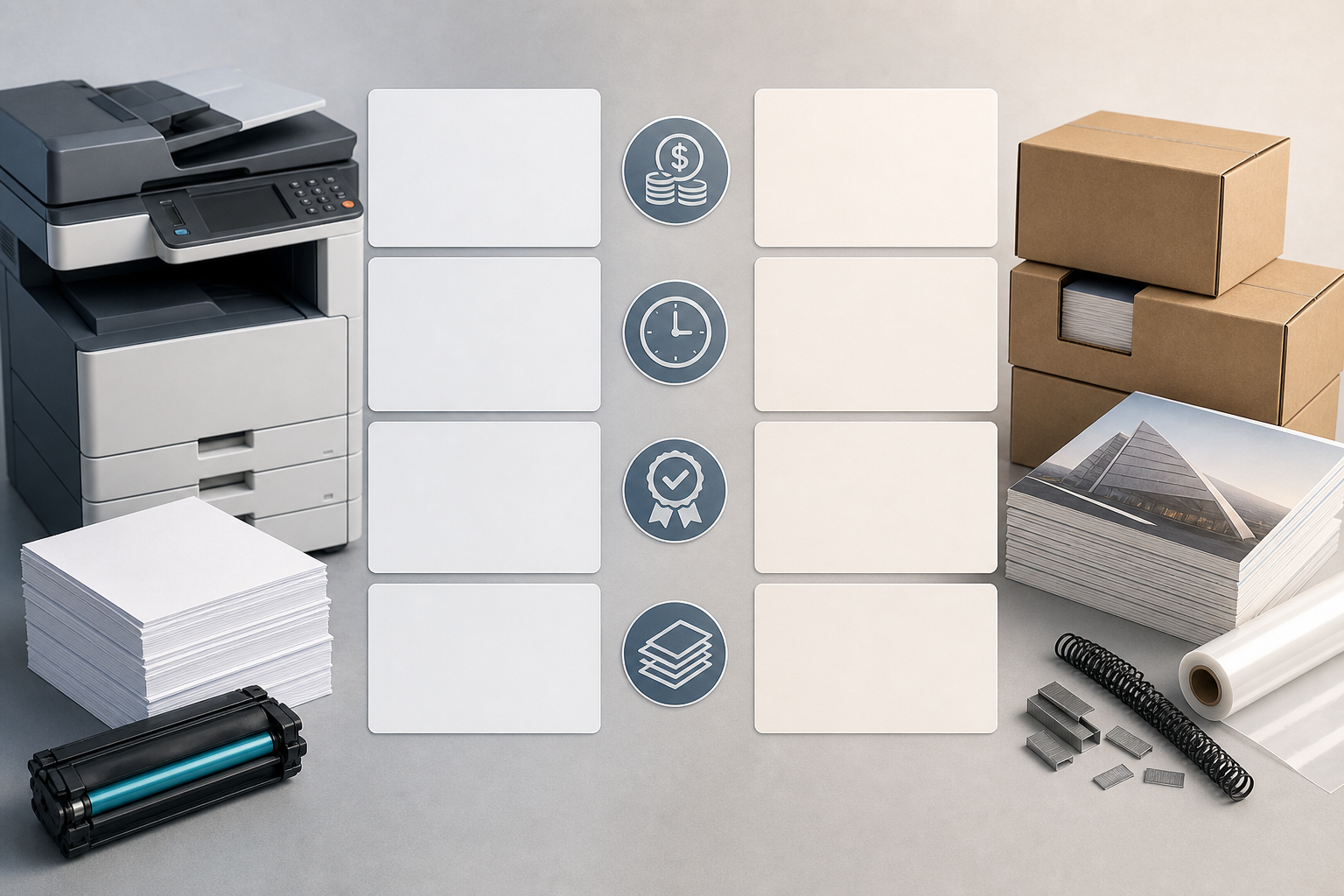
Compare In-House and Outsourced Copying by Cost Drivers
Paper copies can look inexpensive when judged only by a per-page assumption, but B2B decisions should compare total cost drivers. The right comparison is the cost to produce accurate, complete, usable sets by the deadline, not only the visible print or copy line item.
| Cost area | In-house copying | Outsourced copying |
|---|---|---|
| Output volume | Device time, staff time, interruptions, queue conflicts | Total impressions, set count, job setup, production minimums if applicable |
| Consumables | Paper, toner or ink, maintenance impact, waste sheets | Paper type, color coverage, finishing materials, packaging or handling |
| Quality risk | Misfeeds, incorrect settings, page-order errors, rework | Proofing, file preparation, substitution approval, reprint terms |
| Timing | Internal labor availability and device capacity | Turnaround, rush handling if available, pickup or shipping requirements |
Color coverage, duplexing, finishing, and paper type can shift the comparison quickly. A black-and-white internal handout may be efficient in-house, while a bound, color-heavy manual may consume too much device time and staff attention. Fixed paper copy price assumptions can also miss hidden internal costs such as rework, supervision, proofing time, and wasted stock.
Normalize quotes and internal estimates to the same unit: finished sets delivered to the user. That makes it easier to compare a training packet, meeting bundle, or proposal copy run without being distracted by incomplete price signals.
Control Quality, Versions, and Confidential Files Before the Full Run
The most expensive paper copies are often the ones produced from the wrong file, assembled in the wrong order, or released before the document owner approves the final version. A short quality gate before production protects budget, staff time, and business credibility.
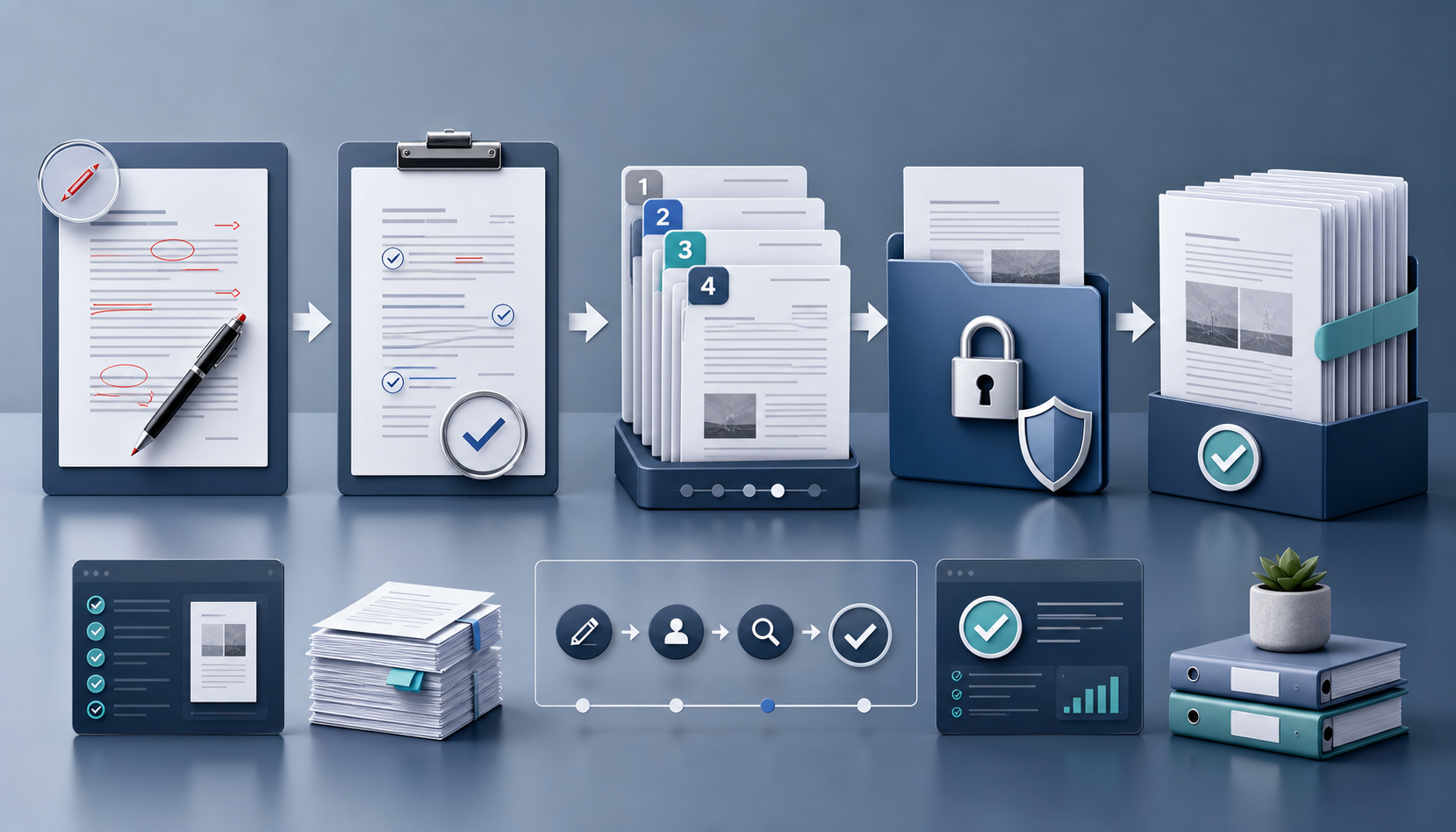
Approve one copy before many copies
Use a first-copy proof or first completed set when the job has multiple pages, color pages, finishing, or confidentiality concerns. Confirm that the file name, date, version number, and approval owner match the current request. Then inspect the physical output instead of approving only the screen version.
- Check legibility, image placement, margins, page orientation, and alignment.
- Verify page order, blank pages, section breaks, and set completeness.
- Confirm single-sided or double-sided settings, including odd-page behavior.
- Review color pages, charts, signatures, barcodes, QR codes, and fine print.
- Inspect staple position, hole punching, tabs, covers, binding, and packet separation.
Confidential documents require additional handling rules. HR forms, finance reports, legal files, client proposals, and compliance documents should have limited file access, controlled originals, and a clear plan for unused proofs or spoiled copies. If an outside provider is used, confirm how files are transferred, who may access them, how proofs are approved, and what happens to overruns or rejected copies.
Version control should remain visible until delivery. Label the approved file, keep the proof with the job ticket, and avoid verbal changes after production begins unless the approval owner accepts the reprint risk.
Use Request Language That Makes Paper Copies Quote-Ready
Clear request language helps every party act on the same facts. Instead of asking for paper copies in general terms, write the request so an internal admin, paper supplier, or outside print provider can identify the required action without rebuilding the job from scratch.
Reusable request formats
- Internal admin team: Please produce [number] finished sets of [document name] from the approved file dated [date]. Each set has [page count] pages, printed [single-sided or double-sided] in [black-and-white, selected color, or full color] on [paper size and stock]. Finish with [staple, hole punch, binding, or none]. Proof approval by [owner] is required before the full run.
- Paper supplier: We need paper stock for an in-house copy run of [sets] sets, estimated at [sheet quantity plus proofing allowance]. Preferred size is [paper size], with [weight or brightness preference if defined], compatible with [device type]. Please confirm available options and timing before we schedule production.
- Print provider: Please quote [sets] finished paper copies from a print-ready file. Confirm upload or in-person intake requirements, proofing process, turnaround, pickup or shipping availability, finishing options, paper substitutions, and final line items before production.
If your team is planning a recurring or time-sensitive copy run, turn it into a spec-ready paper request before starting supplier conversations: quantity, paper size, weight or brightness preference, duplex or color needs, finishing, approval owner, and timing. That gives procurement usable details instead of a vague copy request.
Save the final wording with the approved proof. The next training packet, onboarding set, meeting bundle, or internal manual will be easier to reorder and less likely to drift from the approved specification.
Frequently Asked Questions
When is outsourcing safer than using the office copier for paper copies?
Outsourcing is usually safer when volume will block internal devices, the job needs complex finishing, color consistency matters, or the deadline leaves little room for rework. Action step: define the office’s internal capacity limit, then request a written quote and proof process before sending the full job out.
How do we keep a multi-set paper copy run from using the wrong file?
Use one approved source file, one approval owner, and a visible version name or date before production starts. Action step: approve a first complete set in print, then stop verbal edits unless the approver accepts the cost and timing impact of restarting the run.
What quote details help compare paper copy providers without relying on per-page prices?
Ask for total impressions, color pages, simplex or duplex settings, paper stock, finishing, proofing, rush handling, packaging, pickup, and shipping line items. Action step: compare providers by final cost per usable finished set, not by an isolated page rate.
What should we confirm with a nearby copy provider before sending business documents?
Confirm file intake requirements, proof approval, turnaround timing, pickup or shipping options, confidentiality handling, paper substitutions, and how rejected copies are handled. Action step: get these points in writing before transferring sensitive or deadline-critical files.
How should recurring office paper copies be standardized?
Recurring packets, forms, and manuals should have a saved production specification that names the file source, set quantity, sides, color rules, finishing, approval owner, and review date. Action step: store the approved proof and request language together so future runs do not drift.
Who should approve paper copies before the full run starts?
The approver should be the document owner or business stakeholder, not only the person operating the copier or placing the order. Action step: require signoff on the first physical set whenever the job includes multiple pages, confidential content, finishing, or customer-facing materials.
Planning Full Container (20GP) Copy Paper Import?
We manufacture and export high-brightness 70 / 75 / 80 GSM A4 copy paper directly to overseas paper importers, commercial stationery distributors, and procurement managers worldwide. Access factory-direct FOB / CIF container pricing with custom OEM brand packaging.