
Copy Paper vs Printer Paper: Set the Default Stock First
The practical B2B answer is to set a default stocked sheet first, then define approved exceptions. For most shared printers and copiers, copy paper is usually the default for routine office text, forms, drafts, scanned records, and internal packets. Printer paper is a broader purchasing label. It may describe the same everyday sheet, or it may point to paper with different weight, brightness, finish, opacity, or equipment guidance.
That distinction matters because copy paper vs printer paper is not only a product-name question; it is a cost-control and consistency question. If every department chooses any carton marketed as printer paper, the organization can end up with mixed quality, mismatched sizes, and unclear reorder expectations. If procurement treats basic copy paper as the only acceptable option, higher-value documents may look weaker than intended or show through when printed duplex.
A useful policy is: stock one standard sheet for the majority of black-and-white office work, and approve separate printer paper only when the print job has a documented need. Examples include color-heavy pages, client-facing packets, bound materials, duplex documents where show-through matters, or equipment documentation that calls for a specific paper range. This approach keeps copy paper as the operational baseline without forcing it into every use case.
Read the Label Before Trusting Copy, Printer, Multipurpose, or Plain
The words copy, printer, multipurpose, and plain often overlap. In purchasing, the safer move is to translate the label into specs before approving a carton or creating a recurring order. A package may call itself printer paper but still be suitable for routine copying; another may use multipurpose while listing the same basic sheet size, weight, and brightness as a standard copy-paper item. For a deeper label-by-label explanation, see this paper label guide for copy, printer, multipurpose, and plain paper terms.
Looking for Factory-Direct Copy Paper Prices?
Skip the middlemen. Get FOB/CIF container quotes directly from the mill. OEM private labeling available.
Start with weight. Common office copy paper is often marketed around 20 lb, but that should be treated as a baseline example to check on the label, not a universal rule. Brightness is similar: 92 brightness is a common example in everyday office paper descriptions, yet buyers should verify the number printed on the ream or product listing.
| Label item | Why procurement should verify it |
|---|---|
| Peso | Affects feel, duplex performance, machine handling, and substitution decisions. |
| Luminosidad | Influences page appearance, contrast, and how polished text or color looks. |
| Finish or smoothness | Can matter for image-heavy output and certain printer or copier settings. |
| Opacity where listed | Helps evaluate show-through risk, especially for duplex pages. |
| Size and sheet count | Prevents wrong-tray orders and misleading ream-versus-case comparisons. |
The goal is not to chase the highest specification. It is to make sure the purchased paper matches the office standard, printer/copier use, and approved exceptions.
Match Paper Choice to Business Print Jobs
A job-based standard is easier to enforce than a vague paper-quality rule. The same office may reasonably use one default copy paper for daily output and a different printer paper for selected documents. The key is to define which print jobs qualify, so requesters do not treat printer paper as automatically better for every task.
Decision tiers by document type
- Internal text documents, drafts, and memos: Use the default copy paper when the document is mostly text and presentation value is low.
- Forms and high-volume departmental printing: Keep the standard sheet unless the form has durability, filing, scanning, or duplex requirements that call for a different spec.
- Everyday records and training packets: Copy paper is usually sufficient if the pages are primarily text and distributed internally.
- Duplex pages: Review opacity, weight, and toner or ink coverage. If show-through becomes a complaint, an exception paper may be justified.
- Color-heavy pages and graphics: Consider printer paper with the right brightness, finish, or equipment guidance rather than relying on the word printer alone.
- Client-facing packets, proposals, or presentation handouts: Approve a higher-spec option if feel, image clarity, or consistent appearance affects the business purpose.
This framework keeps the copy paper vs printer paper decision tied to actual output. It also gives procurement a defensible way to say no to unnecessary upgrades while still supporting documents that need better appearance or performance.
When Printer Paper Is Worth Stocking as an Exception
Printer paper is worth stocking separately when it solves a defined problem that standard copy paper does not. The upgrade should be tied to a print job, not to the assumption that the term printer paper always means higher quality. In many cases, printer paper may simply be another plain office sheet; in other cases, it may offer a different weight, brighter appearance, smoother finish, or better opacity for a specific purpose.
Common triggers include color-heavy pages where image density makes ordinary paper look dull or uneven; duplex documents where show-through distracts readers; client-facing packets where sheet feel and visual consistency affect presentation; and handouts that will be bound, mailed, filed, or handled repeatedly. These are business-use reasons for an exception paper, not aesthetic preferences alone.
Equipment guidance is another trigger. Some printers and copiers list acceptable paper weights, recommended media types, tray settings, or restrictions for coated and specialty sheets. When documentation is unclear, buyers should ask requesters to confirm the equipment involved before approving a different paper. This reduces the risk of ordering a sheet that looks correct on a product page but is not suitable for the devices using it.
A practical rule is to require a reason code for exception printer paper: color coverage, duplex opacity, presentation use, finishing needs, mailing/handling needs, or device requirement. If none applies, the default copy paper should remain the standard stocked item.
Separate Paper Type From Paper Size: US Letter, A4, Legal, and 11 x 17
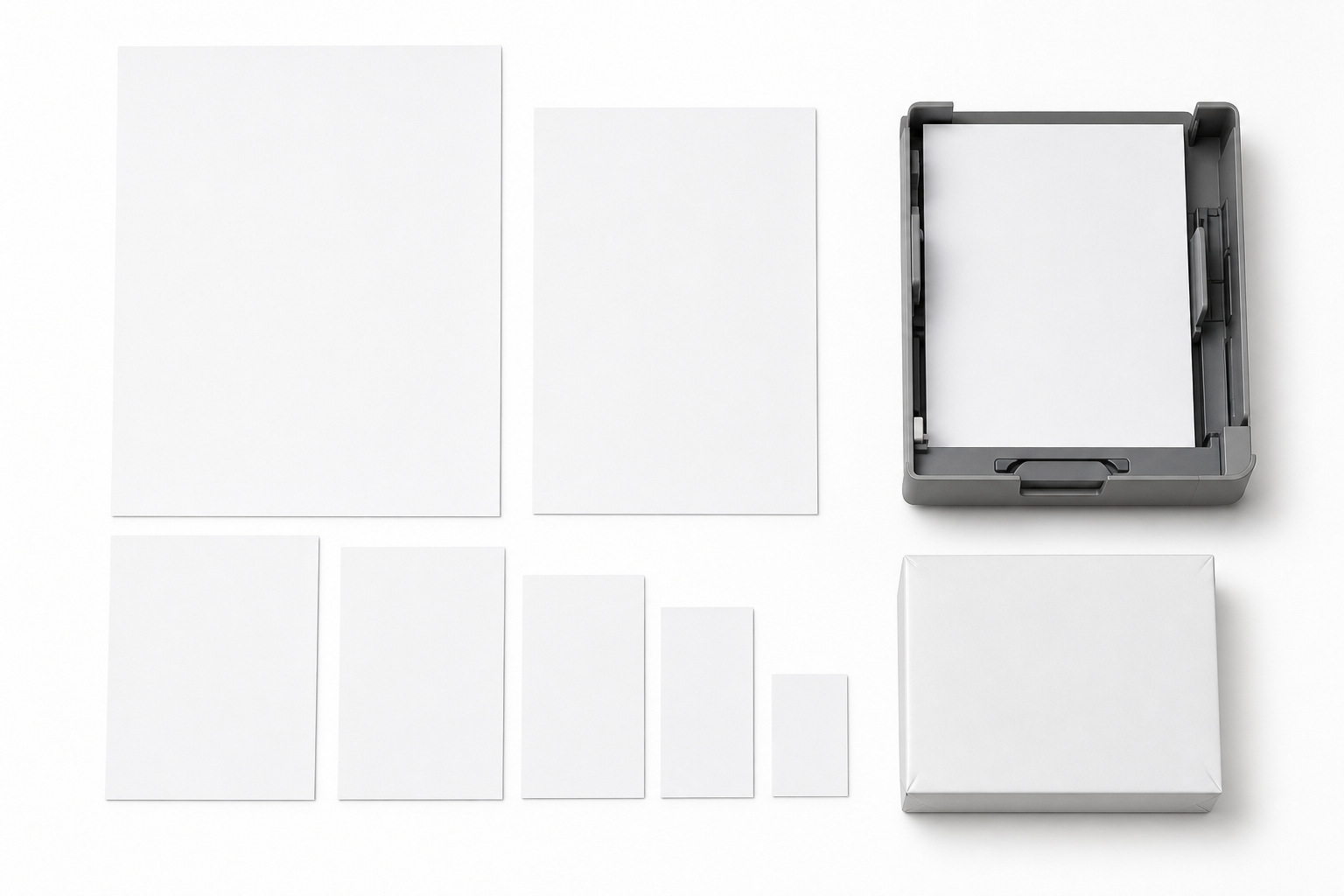
A frequent ordering error is treating size terms as if they define paper type. A4 is a sheet size, not a special category of printer paper. US Letter, legal, tabloid, ledger, and 11 x 17 are also size choices. Any of these may be sold as copy paper, printer paper, multipurpose paper, or another office-paper label, depending on the product line and listing language.
For many US offices, 8.5 x 11 in US Letter is the routine default for shared printers and copiers. Buyers setting that standard can use a size-specific reference such as this 8.5 x 11 copy paper standard for US office purchasing when they need more detail on purchase requests and reorder controls. A4 may appear in imported templates, international teams, or device defaults, but it should not be substituted for Letter unless the office has approved that size and the trays, document settings, and filing systems support it.
Legal and 11 x 17 sizes need separate controls because they are often used for contracts, spreadsheets, drawings, signs, or folded packets. The risk is not only buying the wrong sheet. It is also setting the printer to one size while loading another, which can cause misfeeds, clipped output, or unnecessary waste.
For procurement, the safer order-line structure is paper type plus size plus specification. For example: default office copy paper, US Letter, specified weight and brightness. Then treat any A4, legal, or 11 x 17 request as a size exception that must match the device and business use.
Copy Paper vs Printer Paper Substitutions: Match Specs Before Approving Swaps
Substitution control is where the copy paper vs printer paper comparison becomes operational. A supplier, internal requester, or marketplace listing may suggest a replacement labeled printer paper, multipurpose paper, or plain paper. Procurement should not approve the swap because the label sounds close. Approve it only if the specifications match the standard or the exception rule.

| Substitution point | Control question |
|---|---|
| Talla | Does the replacement match the approved tray and document standard? |
| Weight and brightness | Are the listed specs the same or within an approved range? |
| Finish, smoothness, and opacity | Do these match the intended job, especially for duplex or presentation use? |
| Equipment use | Is the paper suitable for the printers or copiers that will use it? |
| Unit quantity | Are reams, cases, packs, and sheet counts being compared correctly? |
For default copy paper, define the minimum acceptable equivalent: same sheet size, same or approved weight range, comparable brightness, appropriate equipment use, and same purchasing unit. For exception printer paper, match the reason for the exception. A color-heavy presentation paper should not be replaced by a generic plain sheet merely because both are marketed for printers.
Quantity controls matter as much as product specs. Compare reams, cases, sheets per ream, and cartons before approving a lower headline cost or alternate SKU. If a product listing uses vague terms such as case, box, or pack without sheet count, ask for clarification before issuing the purchase order.
Document the substitution rule in the buying record: label changes are allowed only when paper size, weight, brightness, finish, equipment use, and unit quantity are confirmed. When equipment requirements are uncertain, review printer or copier documentation before the paper is accepted.
Reusable Ordering Note for Copy Paper vs Printer Paper Quotes
Once the standard is set, turn it into quote language so every supplier comparison starts from the same facts. The note below can be adapted for internal purchase requests, RFQ emails, or recurring order records without arguing again about copy paper vs printer paper each time.
Specification-led request format
- Default stock: Office copy paper for shared printers and copiers; specify sheet size, target weight, brightness, finish if required, sheets per ream, reams per case, and acceptable equipment use.
- Approved exceptions: Printer paper for named jobs such as client packets, color-heavy pages, duplex output, binding, mailing, or device-specific requirements; specify what performance issue the exception solves.
- Substitutions: No label-only swaps. Equivalent products must match approved size, weight, brightness, finish or smoothness where relevant, unit quantity, and printer/copier guidance.
Before asking for copy paper or printer paper quotes, define size, weight, brightness, printer/copier use, expected document type, and ream-versus-case quantity. That specification-led request gives suppliers and internal approvers a clearer basis for comparison than asking for normal printer paper or whatever copy paper is available.
If your team has already defined the paper standard and now needs to compare sourcing paths, use this guide to copy paper sourcing options after specifications are defined. Keep the purchasing conversation anchored to specifications first, then evaluate ordering route, quantity, and supplier communication around those requirements.
Preguntas frecuentes
Can ordinary copy paper go in a printer?
Usually, yes. It should match the printer tray size and work with the device’s plain-paper setting; check printer documentation for heavy, coated, or specialty sheets.
Does printer paper mean A4?
No. A4 is a paper size, while printer paper is a broad label that may be sold in A4, US Letter, legal, or other sizes. Match the paper to the tray and document settings.
What does plain paper mean in printer settings?
It usually refers to standard uncoated office paper, including many copy, printer, and multipurpose sheets. Use another media setting only when the package or printer manual recommends it.
Can supplier-labeled printer paper replace default copy paper?
Often, but only if the approved specs match. Confirm size, weight, brightness, finish where relevant, equipment use, sheet count, and case or ream quantity before accepting the substitution.
Is multipurpose paper acceptable for copiers and shared office printers?
Often it is, but the word multipurpose is not enough for procurement approval. Verify that the package lists the right equipment use and that the specs align with the office’s default paper standard.
Planning Full Container (20GP) Copy Paper Import?
We manufacture and export high-brightness 70 / 75 / 80 GSM A4 copy paper directly to overseas paper importers, commercial stationery distributors, and procurement managers worldwide. Access factory-direct FOB / CIF container pricing with custom OEM brand packaging.