Start With the Internal Request: Is 11×17 Copy Paper the Correct Product?
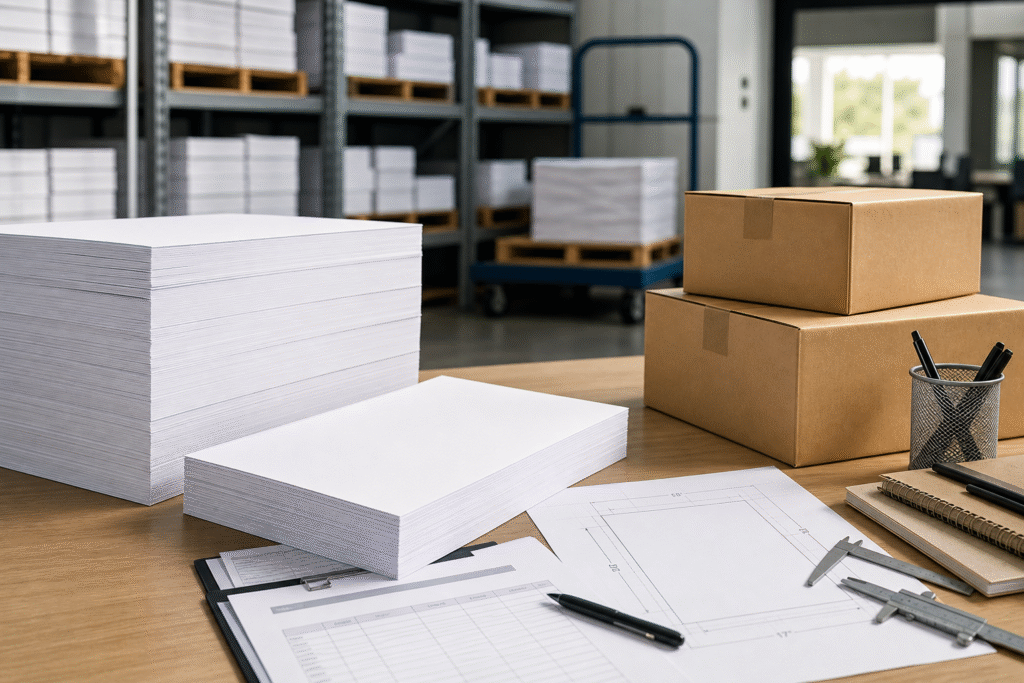
A request for 11×17 copy paper often starts as workplace shorthand: print the large spreadsheet, make drawing sets, copy the monthly schedule, or produce wide presentation handouts. Before contacting suppliers, translate that request into what the paper must actually do. If the document is a plain office output such as black-and-white reports, color charts for internal review, schedules, proof sets, or oversized tables, standard 11×17 copy paper or multipurpose paper is usually the category to investigate after device compatibility is confirmed.
The key is the sheet size: 11 by 17 inches. That is larger than letter-size paper and is commonly used when reducing a spreadsheet or drawing to 8.5 x 11 would make it unreadable. Ask the requestor whether the final output will be copied, laser printed, inkjet printed, folded, hole-punched, stapled, or archived. These details affect finish, weight, and pack quantity.
Watch for clues that the request is not plain copy paper. Photo-heavy visuals may call for glossy paper. Durable covers may require cardstock or cover stock. Color-coding, crafts, or display boards may point to construction or specialty paper. If the original request uses loose wording such as paper copies without size, finish, or pack unit, start by clarifying ambiguous paper copy requests before a PO is written.
Confirm Printer and Copier Support Before Selecting 11×17 Copy Paper
Do not treat 11×17 paper as a routine substitution for letter-size paper. Make printer and copier support a procurement gate before selecting weight, brightness, or pack quantity. Check whether each intended device lists 11 x 17, ledger, or tabloid as a supported paper size. Some office devices support it only through a specific tray or bypass feed, while others do not support it at all.
Looking for Factory-Direct Copy Paper Prices?
Skip the middlemen. Get FOB/CIF container quotes directly from the mill. OEM private labeling available.
Capture the practical device details in the purchase request. The tray must physically accept the sheet, the paper guides must lock correctly, and the feed path must handle the length without curling, skewing, or stopping at a restricted output path. If the job is double-sided, confirm whether automatic duplexing is supported for 11×17 sheets; duplex limits may differ from simplex printing.
Paper weight and finish also matter. A device that handles everyday copy paper may not accept heavier cover stock or glossy sheets without a different media setting or feed path. Procurement should ask the print-room lead or device owner to confirm the manufacturer guidance, the tray to be used, simplex or duplex requirement, expected use, and any known jam history with larger sheets.
- Record the device model and supported size names.
- Confirm tray or bypass-feed use.
- Check duplex, weight, and finish limits before approving substitutions.
Workflow-to-Spec Matrix for 11×17 Office Documents
Once device support is confirmed, map the document workflow to an orderable specification. The point is not to buy the most premium sheet; it is to match the office output to a paper type that the device can process and users can handle without waste.

| Internal request | Likely product direction | Finish and pack unit | Verification note |
|---|---|---|---|
| Large spreadsheets, schedules, and charts | Plain 11×17 copy or multipurpose paper | White, smooth or matte; ream or case depending on frequency | Confirm columns remain readable and duplex settings are supported. |
| Drawings, diagrams, and proof sets | Copy or multipurpose paper unless heavier handling is required | White matte stock; case quantities only if recurring | Check line clarity, tray fit, and whether users mark up the sheets. |
| Presentation handouts and internal reports | Copy paper, or a brighter or heavier option if specified | White or approved color; pack unit based on event volume | Confirm folding, stapling, binding, or hole-punch requirements. |
| Visual-heavy pieces or display pages | Glossy, cardstock, or specialty stock may be more suitable | Finish and weight should follow device limits | Do not substitute specialty paper without user approval. |
Use the matrix as a qualification tool, not a final quote. If two departments use the same 11×17 copy paper differently, identify the dominant workflow and whether a secondary stock is needed. Plain white copy paper may serve spreadsheets and schedules, while a separate glossy or heavier option may be required for presentation packets.
PO Terminology Risks: 11 x 17, Ledger, Tabloid, Letter, A4, and A3
Terminology mistakes are a common source of wrong-size orders. In North American purchasing, 11×17 copy paper is commonly described as ledger paper or tabloid paper. The sheet dimension is 11 inches by 17 inches; ledger and tabloid may appear in printer menus, catalogs, or ERP item descriptions. Because orientation language can vary, write the actual dimensions on the PO instead of relying on a name alone.
Letter-size paper is not a substitute; it measures 8.5 x 11 inches and will not preserve wide spreadsheet columns or drawing layouts. A4 is also different and should not be treated as a North American letter-size equivalent. A3 is closer to 11×17 in use case but not identical in dimensions, so it should not be accepted unless the requestor and device owner approve the change.
Clear PO wording reduces supplier interpretation. Use a phrase such as 11 x 17 in ledger/tabloid-size copy paper, white, for office printer/copier use. If substitutions are allowed, state the boundary: 11 x 17 in only; no A3, A4, or letter substitution without written approval. If the supplier system lists the size under ledger or tabloid, ask them to confirm the sheet dimension in the quote response.
Specification and Substitution Decisions Before You Quote 11×17 Copy Paper
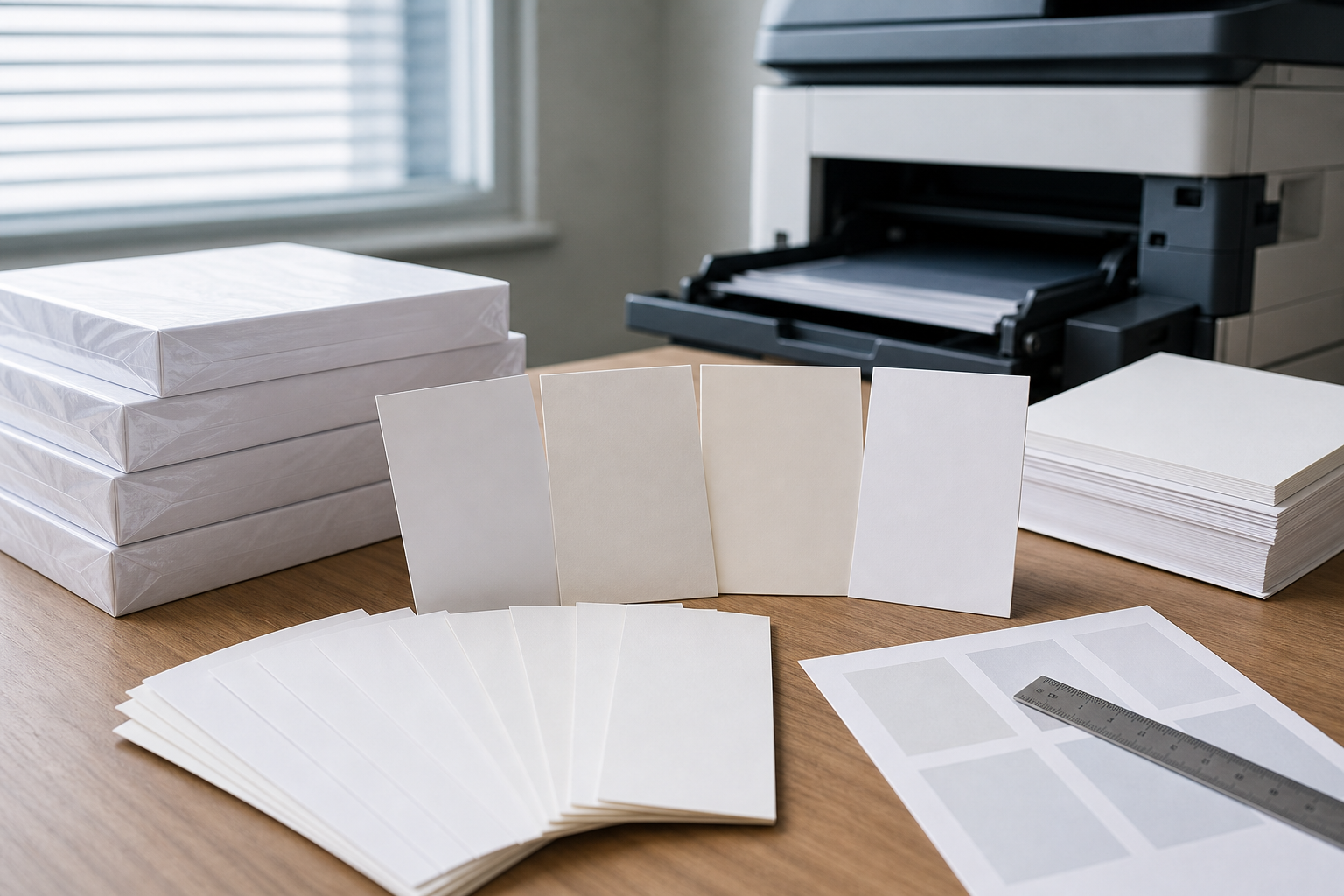
Supplier listings for 11×17 copy paper can look similar while describing different products. Build the quote request from fields that can be verified: sheet size, paper type, basis weight, brightness if required, finish, color, sheets per ream, and sheets per case. Do not assume that a listing titled multipurpose, copy, cover, cardstock, or glossy can be used interchangeably.
Core fields to capture
- Sheet size: 11 x 17 inches, with ledger or tabloid noted as the purchasing synonym.
- Paper type: copy paper or multipurpose paper for ordinary office printing.
- Weight and brightness: examples such as 20 lb weight or 92 brightness may appear in listings, but buyers should verify the exact specification.
- Finish and color: usually white and smooth or matte for office documents unless a different finish is requested.
- Pack unit: ream, case, carton, or bulk pack, with sheet count confirmed.
For broader context beyond this sheet size, compare general copy and printer paper requirements before locking the RFQ fields.
When plain copy paper is not the right branch
Choose glossy paper for visual-heavy pages, cardstock or cover stock for durability, and construction or specialty paper for non-office display work. If someone asks for multipart invoices, handwritten duplicate forms, or carbon copy paper, treat that as a separate product intent rather than a substitute for plain 11×17 copy paper.
Plan Reams, Cases, Department Usage, and Storage for Oversized Sheets
11×17 copy paper often moves more slowly than letter-size paper, so order quantity should reflect actual workflow rather than pantry habit. Many office paper listings use 500-sheet reams, and some case formats are commonly described as 5 reams or 2,500 sheets, but the unit of sale must always be verified. A case, carton, bundle, or pack can mean different quantities in different catalogs.
Start with expected usage frequency. A finance team printing quarterly spreadsheets may need less than an engineering group producing weekly drawing sets. A shared print room may need a central reorder point, while a department-only stock may require tighter control to prevent forgotten inventory. For buyers with a specific case-format request, confirm sheet count and packaging language carefully; a focused 11×17 copy paper 5-ream case review can help frame that verification step.
- Estimate recurring demand by department, project cycle, or print-room schedule.
- Separate everyday 11×17 copy paper from glossy, cardstock, or other specialty sheets.
- Label storage clearly as 11 x 17, ledger, or tabloid to prevent accidental mixing with letter paper.
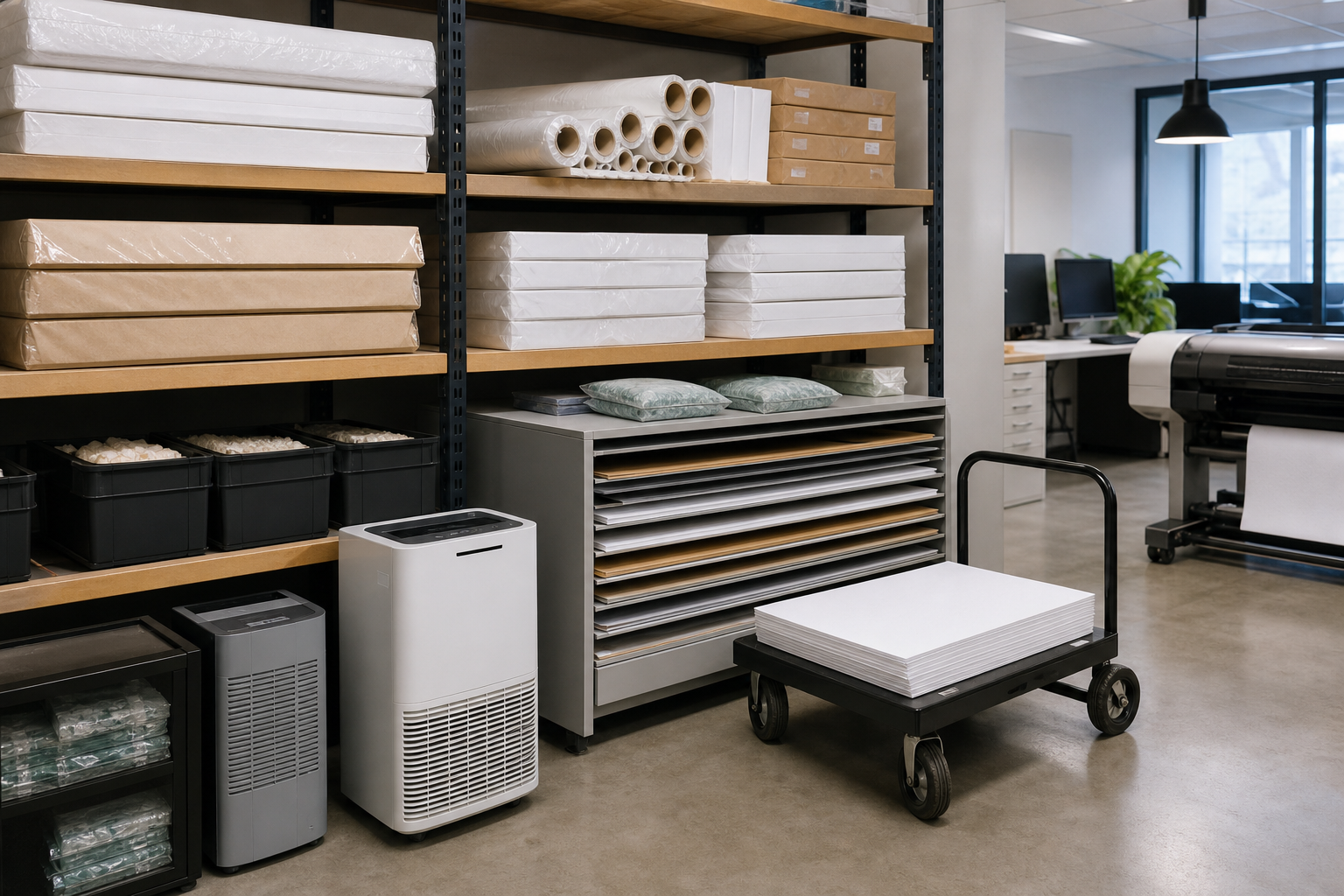
- Store paper flat, wrapped when possible, and away from moisture, heat, or high-traffic damage.
- Use older stock first, especially when 11×17 paper is purchased for occasional projects.
This approach reduces overbuying, keeps oversized sheets usable, and gives procurement a repeatable basis for future replenishment.
Supplier Handoff: RFQ Wording for 11×17 Copy Paper
After the request is triaged, the device is checked, and the listing fields are defined, the final step is a clean supplier handoff. Avoid sending only a short phrase such as 11×17 paper, because that leaves room for wrong size names, specialty stock, or unclear packaging.
Minimum RFQ fields
- Intended use: spreadsheets, drawings, schedules, charts, presentation handouts, or reports.
- Required size: 11 x 17 inches, also called ledger or tabloid.
- Paper category: copy paper, multipurpose paper, or approved specialty alternative.
- Device notes: supported printer or copier, tray, feed path, duplex requirement, and weight limits if known.
- Specification fields: weight, brightness, finish, color, and acceptable substitutions.
- Pack unit: ream, case, carton, or other unit, with sheet count to be confirmed.
Example RFQ line: Please quote 11 x 17 in ledger/tabloid-size white copy or multipurpose paper for office printer/copier use. Intended documents are oversized spreadsheets and internal charts. Device supports 11×17 through the designated tray. Preferred unit is verified case quantity or ream quantity, with sheet count stated. Quote response should confirm weight, brightness if applicable, finish, color, and any proposed substitution before order approval.
To move the request forward, send your intended document use, required sheet size wording, printer/copier compatibility notes, preferred pack unit, and any weight or brightness requirements. That gives the supplier enough information to help confirm an appropriate 11×17 paper specification or quote request without relying on unverified price, stock, or delivery assumptions.
Preguntas frecuentes
How should 11×17 copy paper be written on a purchase order?
Write the actual dimensions and common purchasing names together, such as “11 x 17 in ledger/tabloid-size copy paper.” This reduces the risk of a supplier interpreting the request as letter, A4, A3, glossy stock, or another paper type.
What is the most common procurement mistake when ordering 11×17 copy paper?
The biggest mistake is ordering from a short description without confirming size, device support, paper type, and unit of sale. A listing may look correct but differ by finish, weight, sheet count, or whether it is sold as a ream, pack, carton, or case.
When should a buyer choose glossy paper or cardstock instead of plain 11×17 copy paper?
Use plain 11×17 copy paper for everyday office documents, spreadsheets, schedules, and internal reports. Consider glossy paper for visual-heavy presentation output and cardstock or cover stock when the sheet needs more durability, stiffness, or handling resistance.
How can procurement verify whether an 11×17 paper case listing has the right quantity?
Ask the supplier to confirm both the unit name and sheet count in writing. Do not rely on the word “case” alone, because catalogs may use case, carton, pack, or bundle differently. Capture reams per case and total sheets before approval.
Can 11×17 copy paper be approved if only one office printer supports it?
It can be approved if that printer is the intended device and users understand the workflow limit. The RFQ or internal request should name the supported device, tray or bypass-feed requirement, duplex needs, and any weight or finish limits.
Planning Full Container (20GP) Copy Paper Import?
We manufacture and export high-brightness 70 / 75 / 80 GSM A4 copy paper directly to overseas paper importers, commercial stationery distributors, and procurement managers worldwide. Access factory-direct FOB / CIF container pricing with custom OEM brand packaging.