
Build One Default Spec for Printer and Copier Paper First
Before a school, office, or facility buys by department preference, define the sheet that should be used for the highest share of routine output. This default spec is not a brand choice; it is the shared description of printer and copier paper that can support standard letters, internal reports, forms, drafts, basic invoices, and high-volume copying across approved equipment.
Define the shared baseline
The baseline should name the sheet size, paper weight, color, finish, brightness or whiteness range if your organization uses one, opacity expectation, sheets per ream, reams per case, and any recycled-content requirement. It should also state whether multipurpose paper is acceptable and whether departments may request alternatives without procurement approval.
Where the terms overlap
For everyday office output, printer paper, copier paper, copy paper, and multipurpose paper often refer to overlapping products; the label alone does not prove fit. Buyers who need a deeper office-use definition can review copy paper for office printing, then return to the shared spec so quote requests stay consistent.
Set exception triggers early
Exception triggers should be written before teams order separately: photo-style output, heavy ink coverage, unusual sizes, colored stock, synthetic or coated media, strict recycled-content policies, or documents that need higher opacity for duplex packets. The goal is consolidation without blocking legitimate print requirements.
Looking for Factory-Direct Copy Paper Prices?
Skip the middlemen. Get FOB/CIF container quotes directly from the mill. OEM private labeling available.
Validate the Whole Print Fleet Before You Standardize One Paper
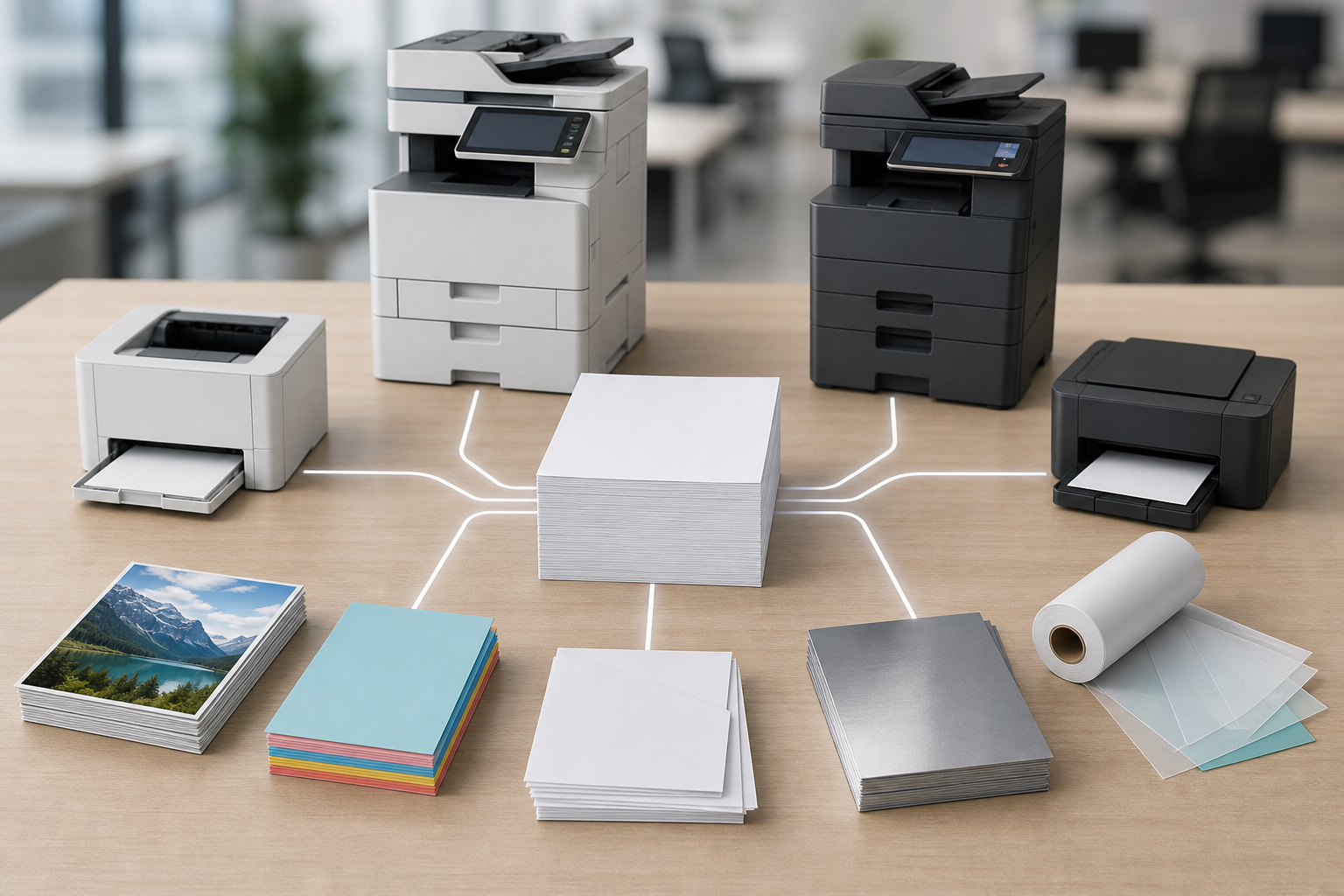
A printer and copier paper standard should be checked against the real equipment fleet, not only against a product listing. Collect the device types in use: desktop inkjet printers, laser printers, copiers, multifunction printers, high-capacity trays, bypass trays, and any managed print devices. The least tolerant device may determine the safe everyday spec.
Compatibility checks by device
| Device area | What procurement should verify |
|---|---|
| Laser printers and copiers | Accepted paper weights, tray limits, duplex guidance, heat and fusing notes, and feed-path restrictions. |
| Impresoras de inyección de tinta | Plain-paper guidance, ink absorption expectations, dry-time considerations, and limits for heavy color coverage. |
| MFPs and trays | Supported sizes, tray settings, bypass instructions, finishing features, and approved-media notes. |
Laser printers and copiers are especially sensitive to feed path, heat, static, and duplex handling. Inkjet units may care more about absorption, drying behavior, and whether dense coverage causes show-through or curl. Multifunction printers add another constraint because one machine may copy, print, scan, duplex, staple, or route sheets through multiple trays.
Do not approve coated, photo, synthetic, heavy, or unfamiliar specialty media because it looks similar to ordinary paper. Check device manuals, supplier documentation, and managed print guidance first. If a device requires a narrower media range, record that as an exception path rather than weakening the default office-wide spec.
Route Printer and Copier Paper by Office Workload
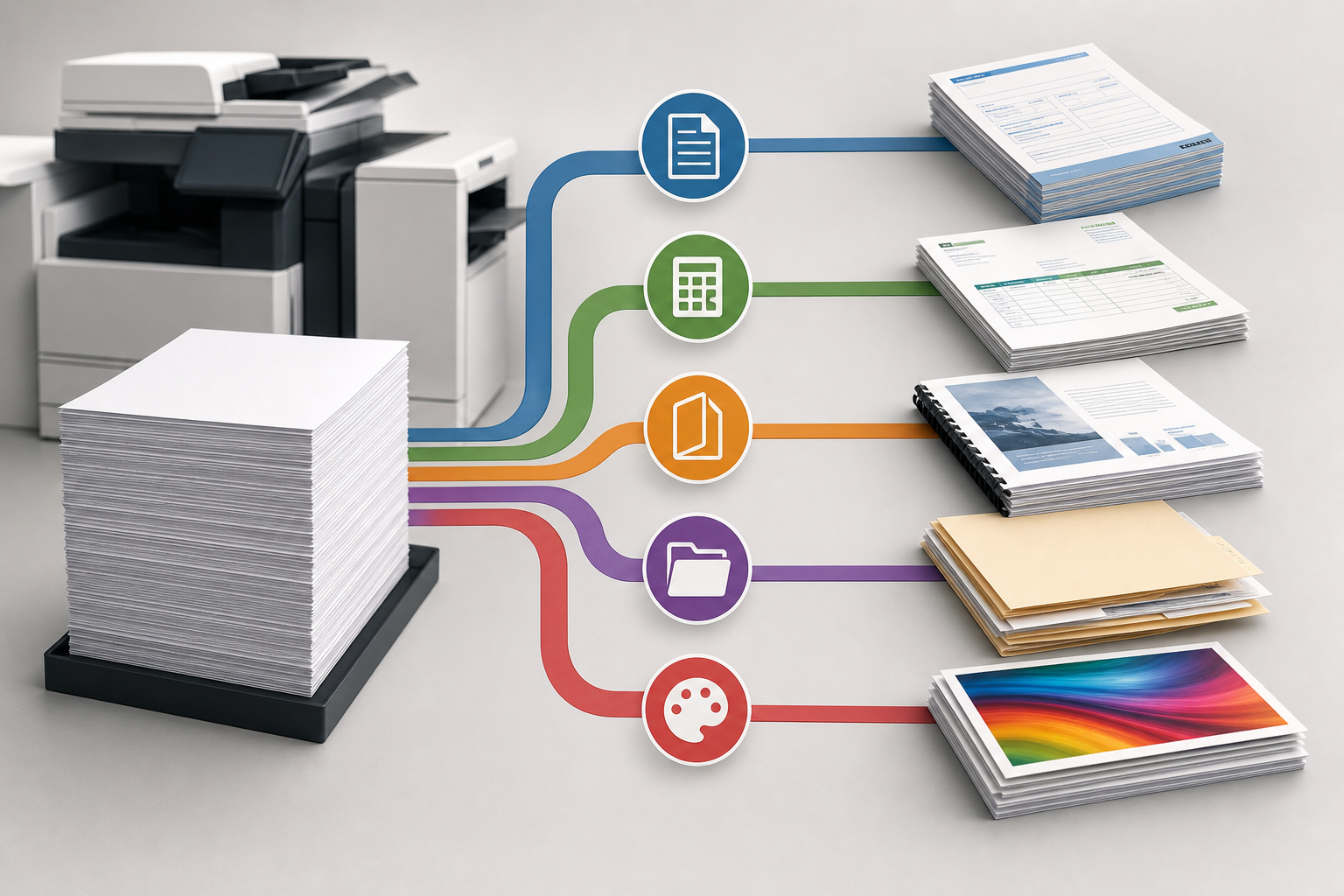
Once compatibility is known, route work to the default paper or an exception category. This is where procurement can reduce ad hoc buying: departments do not need a different paper because their work is important; they need a different paper only when the output requirement is different.
| Business workload | Default routing | Procurement note |
|---|---|---|
| Internal drafts and meeting notes | Use the approved default printer and copier paper. | Keep the spec simple and repeatable. |
| Forms and high-volume copying | Use the default if feeding remains reliable. | Standardize case configuration for replenishment. |
| Invoices and duplex packets | Use the default only if opacity is acceptable. | Review two-sided readability before rollout. |
| Client-facing packets | Use default or an approved higher-output exception. | Define output expectations, not personal preferences. |
| Color-heavy inkjet output | Consider an exception if plain paper is unsuitable. | Check inkjet guidance and actual application results. |
| Policy-driven recycled use | Build the requirement into the default or approve a separate line. | Make the requirement quote-ready. |
For forms, invoices, and packets, opacity matters as much as surface appearance because show-through can make duplex documents harder to read. For client-facing packets, define the acceptable output standard rather than letting each department order a preferred brand. For color-heavy inkjet work, test the actual application before adding a new item.
This routing method keeps printer and copier paper as a managed category: one standard for routine work, documented exceptions for repeatable jobs, and fewer one-off purchases that are difficult to quote or replenish consistently.
Convert the Default Paper Spec Into Supplier RFQ Lines
A supplier can quote more accurately when the request is written as a line item, not as a broad request for printer and copier paper. The RFQ line should describe what must match and where substitutions are allowed. That protects quote comparisons from vague terms such as regular office paper, premium paper, or compatible paper.
Fields to send with the request
- Sheet size: letter size, legal size, or another required dimension, such as 8.5 by 11 inches if that is the office standard.
- Paper weight: the required basis weight or an acceptable range approved for the print fleet.
- Brightness or whiteness: the range or minimum your organization wants quoted, if specified.
- Opacidad: especially important for duplex packets, invoices, and forms.
- Finish and color: plain, smooth, white, colored, or another defined requirement.
- Recycled-content requirement: include only if procurement policy requires it.
- Pack configuration: sheets per ream, reams per case, case configuration, and order unit.
- Substitution rules: exact match only, equivalent within defined ranges, or approval required before shipment.
For a similar supplier-neutral approach to turning familiar product searches into procurement fields, see this quote-ready buying spec for copier paper. The same discipline applies here: do not build the RFQ around assumed prices, stock claims, or a specific retailer listing. Build it around measurable fields suppliers can match, explain, or flag for approval.
Forecast Reams, Cases, and Bulk Orders From Monthly Demand
Quantity planning should begin with monthly demand, not packaging labels. Pull recent meter readings, print management reports, purchase history, or department estimates where available. Separate recurring workflows such as forms, invoices, classroom handouts, HR documents, accounting packets, and warehouse paperwork so the standard printer and copier paper forecast reflects actual use.
Translate sheets into planning units
Use the sheet count in the supplier response to convert monthly volume into reams, multi-ream cases, or bulk orders. A common planning unit is the 500-sheet ream, and many US buyers also compare 5,000-sheet or 10-ream case configurations when offered. For more detail on sheet-count units, use reams of copy paper planning as a supporting reference.

Do not choose the largest package only because it appears efficient. Confirm where cases will be stored, how quickly stock will rotate, and whether departments draw from one central supply point or multiple supply rooms. A reserve can reduce emergency buying, but excessive inventory may create handling, moisture, or space problems.
Set reorder timing around lead-time assumptions your supplier confirms, internal approval cycles, and the point at which each location still has usable stock. If several departments consume paper at different rates, assign demand owners or reporting points so replenishment decisions are based on visible usage rather than complaints after a tray is empty.
Protect Paper Performance at Receiving and Storage
Paper performance is affected after purchase. Even correctly specified printer and copier paper can create avoidable waste if it arrives with damaged wrappers, crushed corners, or exposure to moisture. Receiving teams should inspect cartons before they are mixed into normal stock, especially when orders are used across multiple departments or locations.
Receiving controls
- Check carton condition before signing internal receipt records.
- Note torn wrappers, water marks, crushed corners, or visibly wavy sheets.
- Confirm that labeling matches the approved size, weight, color, and case configuration.
- Set aside questionable reams instead of loading them into high-volume devices.
Storage controls
Store reams flat in their wrappers until needed, away from direct floor moisture, high humidity swings, and heavy items that can bend edges. Rotate older stock forward so one department is not using fresh cases while another has aging paper hidden in a cabinet. Avoid opening more reams than the daily workflow requires.
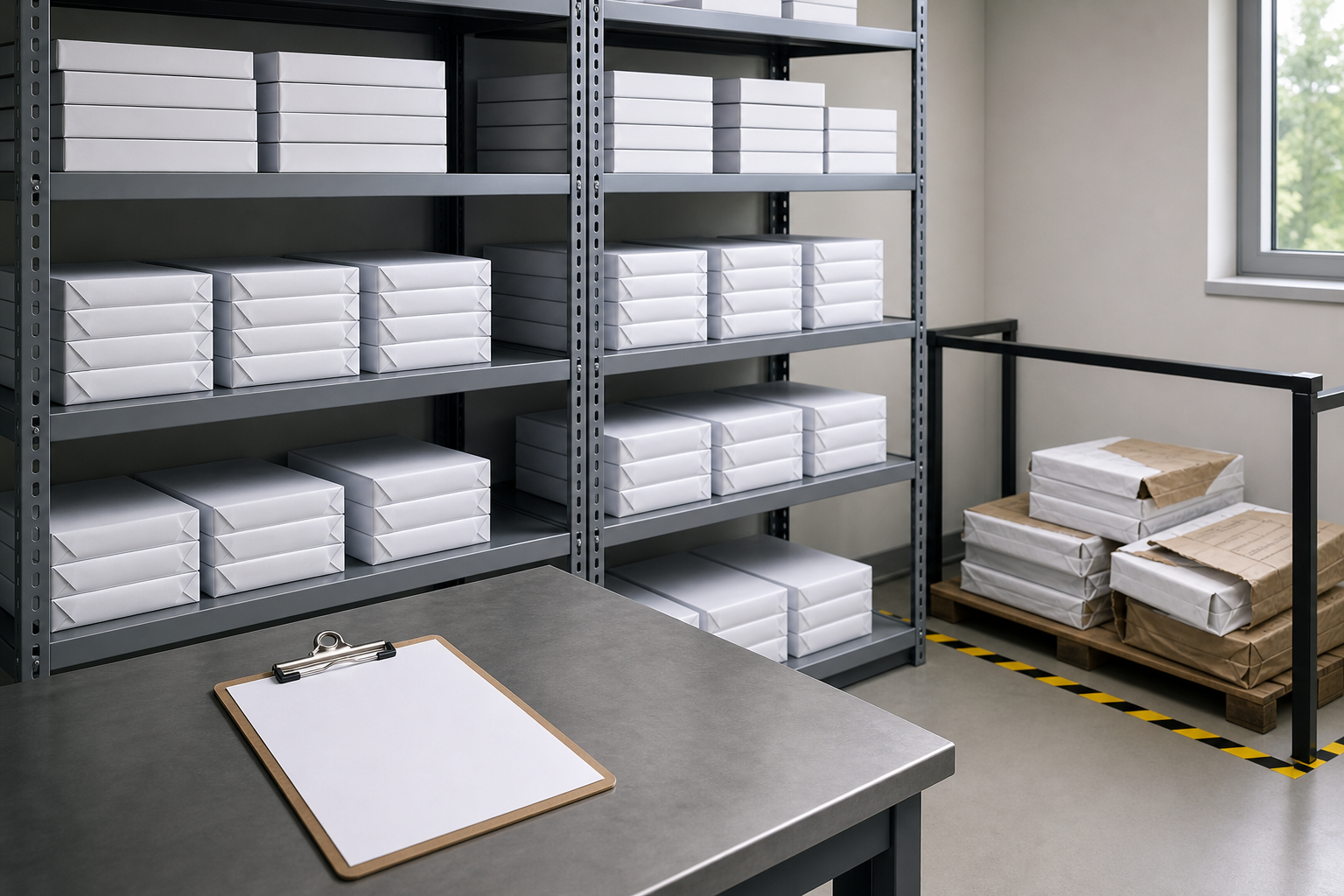
When paper curls, waves, or sheds dust visibly, do not feed it into high-volume equipment just to use it up. Quarantine questionable reams, document the issue, and separate them from approved stock until the buyer or supplier can review the situation. These controls support fewer jams, misfeeds, and wasted sheets without changing the core purchasing spec.
Evaluate Supplier Replies and Control Exception Paths
When supplier replies arrive, compare them against the approved standard before discussing preference or substitutions. A lower line price is not meaningful if the quote changes sheet count, case configuration, paper weight, recycled-content requirement, or finish. Normalize each response to the same sheets-per-ream and reams-per-case basis, then review any freight, handling, minimum order, or accessorial charges that affect landed cost.
Keep substitutions explicit
Ask suppliers to mark whether the quoted item is an exact spec match, an equivalent within allowed ranges, or a proposed substitution requiring approval. If substitutions are acceptable, define which fields may vary and which may not. Size, weight, color, finish, opacity, recycled-content requirement, and case count are common control points. Document approved alternatives for repeat orders so the next purchase is not negotiated from scratch.
Manage exceptions separately
Exception paths are not a failure of standardization. Photo-style output, heavy coverage, special sizes, color paper, coated or synthetic media, and policy-driven recycled requests may justify a separate line item. Before adding one, confirm device approval, expected workload, storage needs, and who may reorder it.
Before requesting supplier options, gather device types, monthly sheet volume, preferred size and weight, expected case quantity, storage constraints, and substitution rules. Sending those details with the printer and copier paper RFQ helps suppliers respond to the same requirement, and it gives procurement a cleaner basis for comparing matched specs and approved exceptions.
Preguntas frecuentes
Can one standard printer and copier paper spec work across a mixed office fleet?
Often, yes, for routine office output if the paper spec is checked against each copier, laser printer, inkjet printer, and MFP in use. Buyers should verify approved size, weight, tray, duplex, and media guidance before making one paper the default.
What should be included in a printer and copier paper RFQ?
A quote request should include sheet size, paper weight, color, finish, brightness or whiteness range if required, opacity expectations, recycled-content requirements if applicable, sheets per ream, reams per case, order unit, and substitution rules.
How can an office estimate reams or cases from monthly print volume?
Start with meter readings, print reports, department estimates, or purchase history. Convert monthly sheet use into reams or cases using the actual sheet count offered, then factor in storage space, reorder timing, and a practical reserve.
When should a department request exception paper instead of using the standard?
An exception may be justified for photo-style output, heavy ink coverage, special sizes, color paper, coated or synthetic media, higher-opacity duplex packets, or policy-driven recycled requirements. Device guidance and supplier documentation should be checked first.
How should buyers compare supplier quotes when paper descriptions differ?
Compare the required spec first, not just the line price. Normalize sheet counts, case configurations, paper weight, finish, recycled-content requirements, and substitution terms before reviewing freight, handling, or other landed-cost factors.
Should printer and copier paper be tested before an office-wide rollout?
Testing is prudent when a paper will be used across high-volume copiers, duplex workflows, MFP trays, or inkjet devices. Check feeding, curl, show-through, drying behavior, and output quality before approving it as the shared standard.
Planning Full Container (20GP) Copy Paper Import?
We manufacture and export high-brightness 70 / 75 / 80 GSM A4 copy paper directly to overseas paper importers, commercial stationery distributors, and procurement managers worldwide. Access factory-direct FOB / CIF container pricing with custom OEM brand packaging.