

Decode a 20lb Copy Paper Product Card in 30 Seconds
A 20lb copy paper product card is not one spec; it is a bundle of tokens. A typical listing may combine 8.5 x 11, 20 lb, 92 bright, white, 500 sheets, and ream or case language in a single title. Before anyone adds it to a cart, split the title into separate decision points and verify each one against the product specification table.
- Size: usually letter size when 8.5 x 11 is stated.
- Weight: 20 lb or 20lb wording.
- Appearance: white color and a brightness value such as 92 bright when listed.
- Quantity: sheets per ream plus the carton or case format.
The 20lb token tells you paper basis weight. Listings may spell this as 20lb, 20 lb, or 20 pound copy paper; treat the terms as related but still confirm the actual product field. The 8.5 x 11 token confirms letter size only if the listing says it clearly. 92 bright and white describe appearance, while 500 sheets describes the ream quantity, not automatically the carton quantity.
Product photos help identify packaging, but they are weaker evidence than the written specifications. Titles can be truncated, images can show older wrapper designs, and marketing phrases such as multipurpose, smooth, or premium do not replace required tokens. The fastest screen is simple: if weight, size, color, brightness, sheet count, and pack format are not all visible, pause and confirm before ordering.
Why Similar 20lb Copy Paper Listings Can Produce Different Orders
Two 20lb copy paper listings can look interchangeable in search results and still create different receiving outcomes. One may be a single 500-sheet ream. Another may be an 8-ream carton. A third may be a 10-ream case. If each ream contains 500 sheets, those carton formats represent different total sheet counts, so they should not be treated as the same workplace supply unit.
Start by verifying the size field. If the office standard is letter size, the listing should clearly state 8.5 x 11 copy paper or letter size in the detailed specs, not only in a thumbnail or category filter. Then compare the visible title against the specification table.
| Listing detail | What to verify |
|---|---|
| 500 sheets | Whether this is one ream or part of a larger carton. |
| Case or carton | How many reams are included and the total sheet count. |
| 92 bright | Whether brightness is stated in the detailed specs, not only the title. |
| Printer or multipurpose | Whether laser, inkjet, copier, or fax compatibility is stated. |
Brand or private-label names can help users recognize a product, but they do not replace spec verification. A familiar brand may sell multiple pack sizes, brightness levels, or feature sets. For B2B buyers managing shared printers and supply closets, the safest comparison is by result at receiving: total sheets, reams per carton, paper size, brightness, color, and stated device compatibility.
Must-Match Tokens vs Nice-to-Have Claims in a 20lb Listing
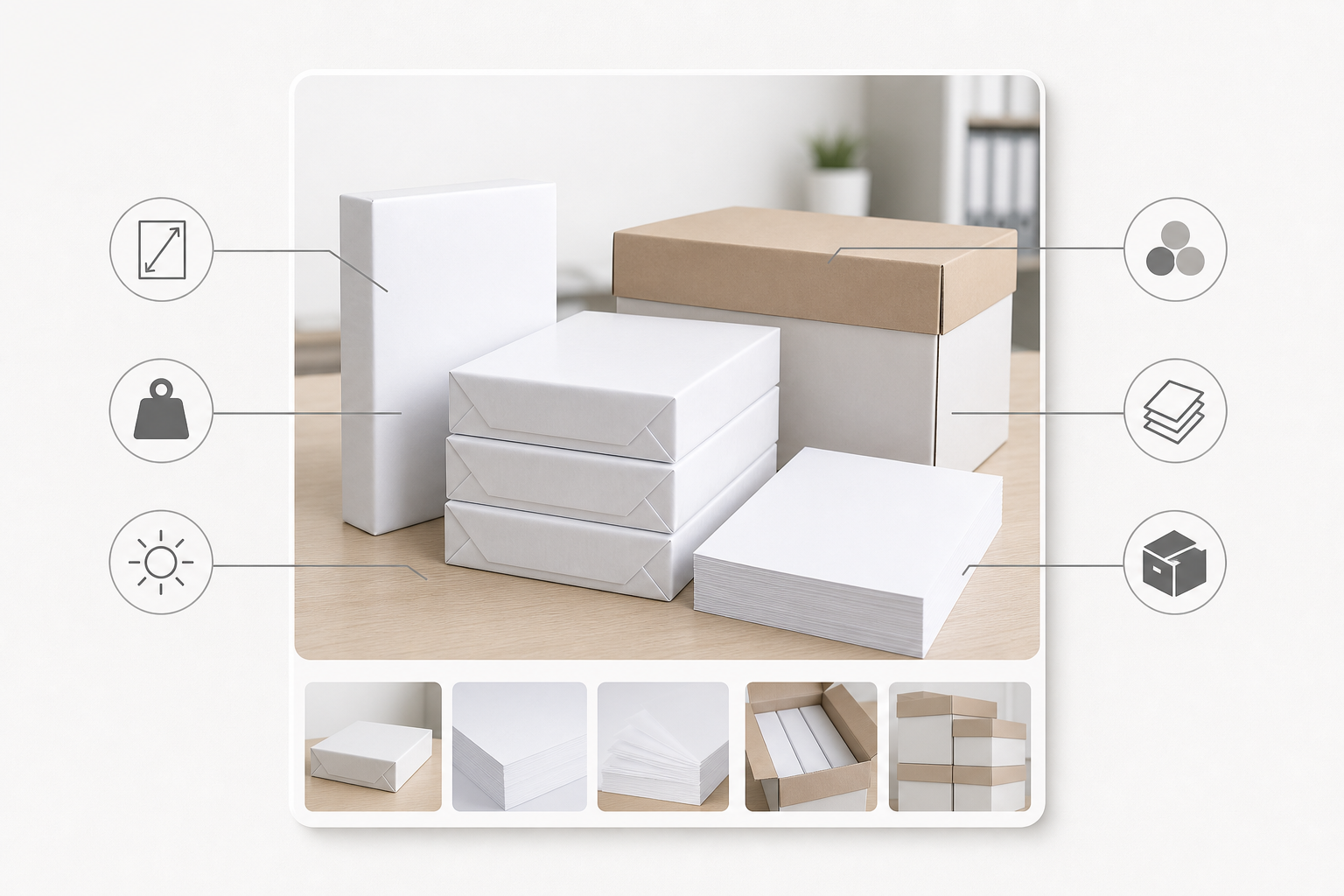
When listings are dense, separate purchase-critical tokens from useful but conditional claims. Must-match tokens are the values that define whether the item is the intended 20lb copy paper order. Nice-to-have claims only matter when an internal policy, document workflow, or end user specifically requires them and the individual listing confirms them.
Must-match tokens
- Weight: 20 lb or clearly related 20lb wording in the product specs.
- Sheet size: letter size or 8.5 x 11 when that is the intended order.
- Color and brightness: white and a stated brightness value, such as 92 bright, when that appearance is required.
- Sheet count: usually stated per ream and, for cartons, as a total quantity or ream count.
- Pack unit: single ream, carton, case, or another clearly defined unit.
Conditional claims
FSC certification, acid-free wording, ColorLok-style features, recycled-content claims, or other badges can be valuable, but they should not be assumed across all 20lb paper listings. Treat these as required only when the actual product detail states them and your business has a policy or workflow reason to require them.

Do not let an optional badge compensate for a core mismatch. A paper listing that has an attractive feature but omits sheet size, brightness, or pack quantity is still incomplete for business ordering. Core tokens determine whether the paper fits the order; optional features refine the choice only after the core tokens match.
Is 20lb Enough for Your Everyday Office Documents?
For many offices, 20lb copy paper is listed as a multipurpose option for routine documents: internal drafts, meeting agendas, everyday forms, training packets, and general copying. That does not mean every device or every document is automatically covered. Buyers should check that the product specification states compatibility with the actual equipment in use, such as laser printers, inkjet printers, copiers, or fax machines.
The phrase copy paper, printer paper, or multipurpose paper is useful context, but it is not a substitute for the compatibility field. This matters in shared environments where one paper SKU may feed desktop printers, department copiers, and multifunction devices. If the listing mentions only general office use but not device fit, ask for confirmation before adding it to a repeat list.
20lb may be enough when the document is temporary, text-heavy, and not being used as a formal presentation piece. Consider another paper choice when the workflow involves heavy ink coverage, customer-facing materials, mailing requirements, duplex jobs that need a different feel, legal-size forms, or specialty duplicate records. Workflows that require duplicate handwritten or impact-produced forms may point to carbon copy paper rather than standard 20lb copy paper. Keep the decision narrow: confirm whether 20lb fits the document job, then confirm the listing supports the devices that will use it.
From 500-Sheet Reams to Stockroom Counts
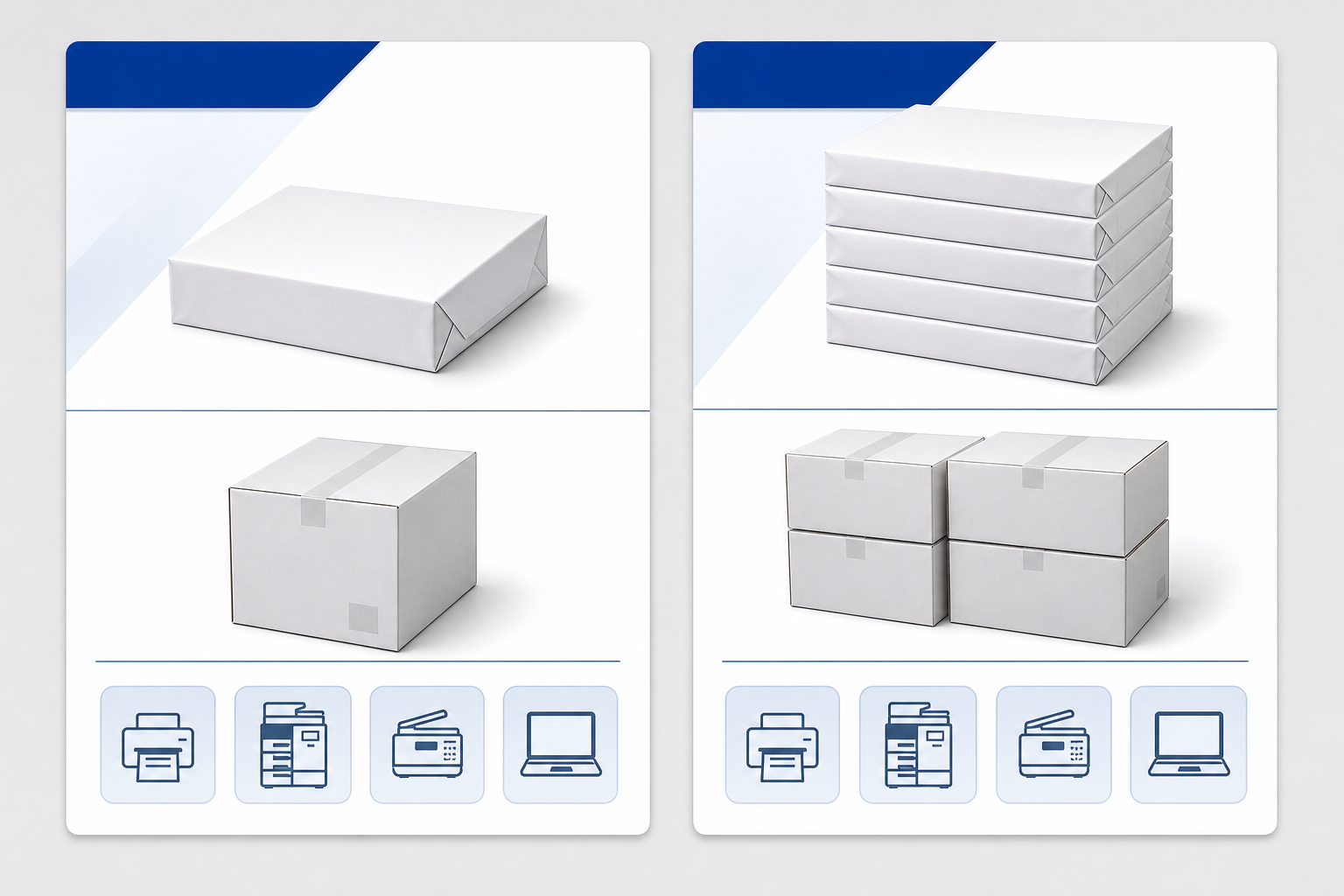
A 500-sheet ream is the clearest low-commitment unit for testing whether a listed 20lb copy paper fits office devices and user expectations. For ongoing supply planning, however, the carton language matters more than the ream photo. An 8-ream carton and a 10-ream case are different stockroom events when each ream contains 500 sheets: one represents 4,000 sheets and the other represents 5,000 sheets.
| Pack wording | Practical buying question |
|---|---|
| Single ream | Is 500 sheets enough for a small team, trial purchase, or emergency restock? |
| 8-ream carton | Does the listing clearly confirm 8 reams and total sheets? |
| 10-ream case | Does receiving expect 10 reams and a 5,000-sheet total when each ream is 500 sheets? |
Use workplace pattern rather than vague bulk language. A small department may prefer reams that are easy to place near a printer. A central copy area may need case-level replenishment to reduce reorder frequency. Facilities teams should also consider where cartons will be stored, how they will be moved from receiving to the copy area, and whether opened reams can be protected from moisture, dirt, and damage.
Receiving should be tied to the listing tokens. Count the reams, check the carton label against the order, and compare sheet size, weight, brightness, and color before the paper is distributed. The goal is not to assume a delivery outcome or availability; it is to ensure the physical cartons match the exact 20lb copy paper listing that was approved.
Red Flags in 20lb Copy Paper Listings Before Repeat Ordering
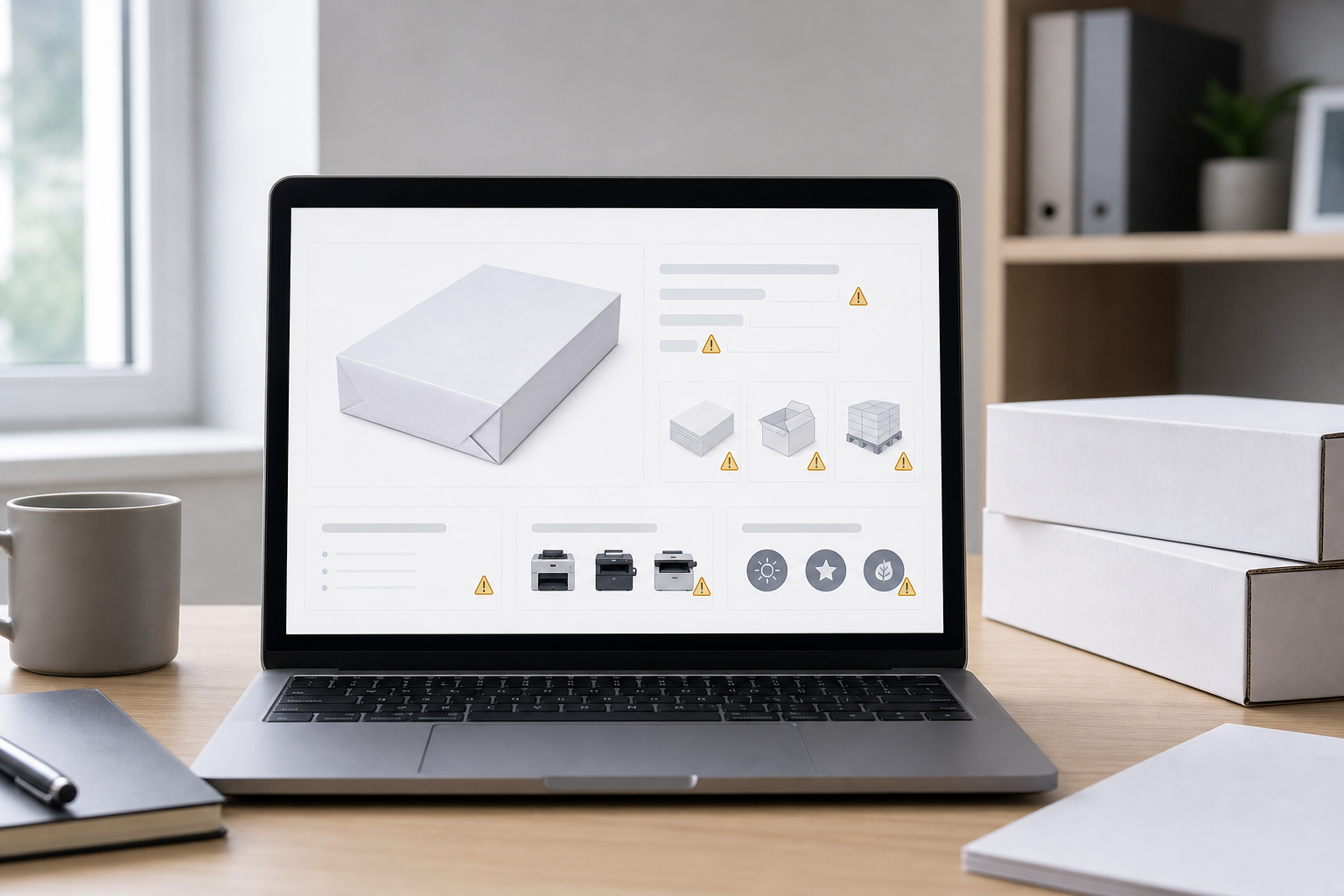
Repeat ordering amplifies small listing mistakes. A one-time trial ream may be easy to correct, but a recurring carton order can spread the wrong paper across multiple printers and departments. Before placing a 20lb copy paper item on a reorder list, look for listing-level gaps that should be resolved in writing or through the product detail page.
- Missing sheet count: the listing says ream, case, or carton but does not state sheets per ream or total sheets.
- Unclear pack unit: case and carton are used without reams per carton.
- Size not stated: the product title does not clearly say letter size or 8.5 x 11, or it mixes in a non-US size.
- Brightness omitted: the title suggests a white office paper, but the brightness value is not shown in the specifications.
- Compatibility only in marketing copy: device fit is implied by words such as printer or multipurpose but not confirmed in the spec table.
- Badges only in images: certification or feature icons appear in packaging photos but not in the listing details.
Also watch for conflicts between the title and specification table. If the title says 92 bright but the detailed field is blank, or if the title says letter size while the size field shows another value, do not choose the more favorable wording. Treat the conflict as unresolved. The practical action is to confirm the missing value with the seller or supplier before the item becomes the office standard.
Use the Spec-Token Format for Your Final Comparison
The cleanest way to compare 20lb copy paper options is to reduce every listing to the same token order. Use this line before choosing a ream, carton, or repeat-order item: size, weight, brightness, color, sheets per ream, reams per carton, total sheets, stated device compatibility, and required optional features. This makes similar listings easier to compare without relying on photos, brand familiarity, or incomplete title text.
For example, a complete comparison note might read: letter size, 20 lb, 92 bright, white, 500 sheets per ream, 10 reams per case, 5,000 total sheets, compatible devices stated in the product specs, and FSC or acid-free only if required and confirmed. If any field is missing, leave it blank and ask for confirmation instead of guessing.
When requesting or comparing 20lb copy paper options, send the same spec-token format to the supplier or marketplace contact. It keeps the conversation focused on verifiable details: size, weight, brightness, color, sheet count, carton quantity, compatibility, and any required optional features. The goal is not to make the paper purchase complicated; it is to prevent a same-looking listing from becoming the wrong stockroom item.
Frequently Asked Questions
Why might a search filter show 20 lb copy paper when the product page lists another weight?
Marketplace filters and category pages can group variants imperfectly. Use the selected product page, specification table, and supplier confirmation for the exact SKU before ordering.
If brightness is missing, can buyers assume white 20lb paper is 92 bright?
No. A 92 bright value is common in many listings, but it should not be assumed when the field is blank. Confirm the brightness in the product specs or with the seller.
Can the same 20lb copy paper product family be sold in different case quantities?
Yes. A product family may appear as a single ream, multi-ream carton, or larger case depending on the seller and selected pack option. Verify reams per carton and total sheets.
What should buyers do when a search-result snippet conflicts with the product page specs?
Treat the snippet as a navigation clue, not purchasing proof. The current product page details or direct supplier confirmation should control the order decision.
Does jam-free or multipurpose wording prove compatibility with every printer or copier?
No. Those terms are useful signals, but compatibility should be checked against the specific listing, device requirements, and supplier confirmation where needed.
When should an optional certification become a must-confirm listing field?
Make it a required field when an internal policy, customer requirement, archival need, or sustainability standard depends on it. Confirm the claim for the exact product, not just the image.