
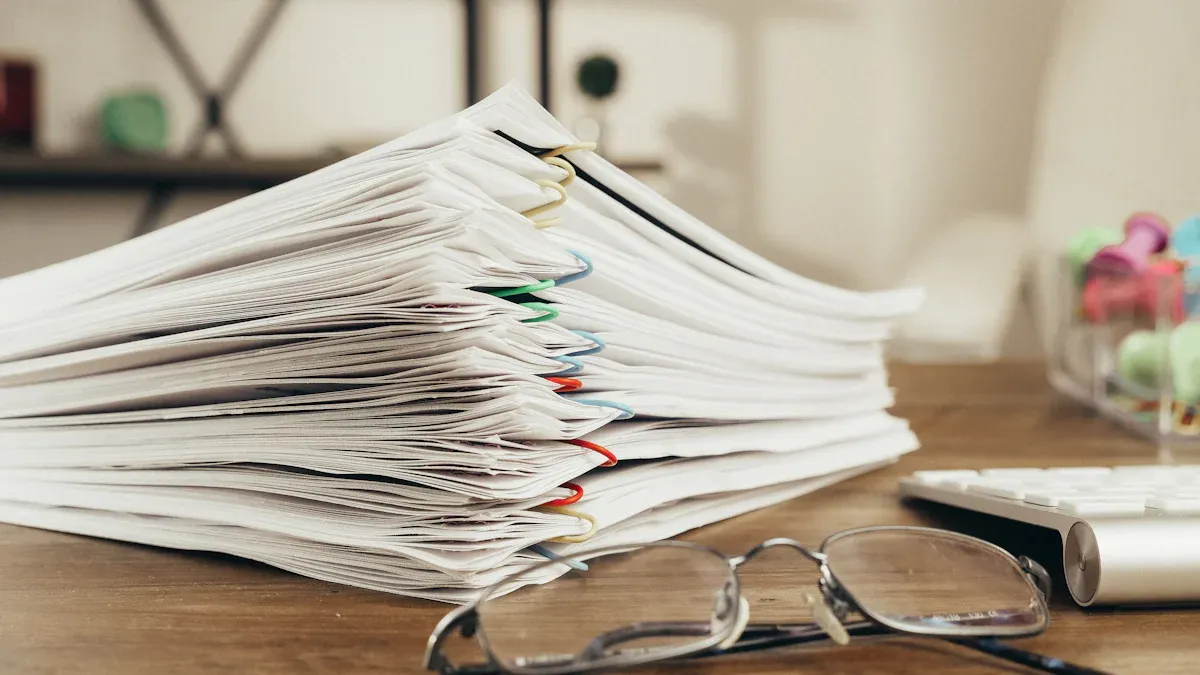
You want to pick the best copy paper, but the options can feel overwhelming. Picture this: You print a school project at home, a report at the office, or worksheets for your classroom. Each task needs a different kind of paper. Think about what you print most. The right choice helps your work look sharp and saves money. Choose copy paper that matches your main use.
Principaux enseignements
- Pick copy paper that fits what you print most. Some jobs need special paper for good results.
- The right paper makes prints look better. It also stops jams and crooked pages. Always look at what your printer needs.
- Think about using recycled paper. This helps nature and cuts down on trash.
- Look at how thick and bright the paper is. Thick paper works well for important papers. Bright paper makes prints look clear.
- Use the checklist before you buy paper. This helps you pick the best paper for your projects.
Why It Matters
Print Quality
You want your papers to look neat and nice. The copy paper you pick changes how your prints look. If you use the wrong paper, you might see lines or faded colors. Sometimes, words can look crooked or not lined up. Printers can jam more if the paper is not right for them. Here are some common problems:
| Issue | Description |
|---|---|
| Paper Jams | The wrong paper can make printers jam a lot. |
| Print Quality Issues | Bad paper can make prints look streaky or messy. |
| Misalignment | Wrong settings can make words print in the wrong spot. |
You can stop these problems by using paper that fits your printer and project.
Cost and Efficiency
Picking the right paper saves you money and time. Good paper jams less and does not smudge, so you fix the printer less. You also use fewer sheets. Some brands cost more because people trust them. Heavier paper costs extra but is better for special work. Eco-friendly paper may cost more, but it helps the planet and shows you care.
- Good paper means fewer jams and less wasted time.
- Trusted brands usually cost more.
- Heavier paper lasts longer and looks nicer.
- Eco-friendly paper helps the earth.
Eco Impact
The copy paper you choose affects the earth. Paper that is not recycled makes more trash and pollution. Landfills with paper waste let out methane, which hurts the climate. Recycled paper uses less energy and water, and makes less air pollution.
| Impact | Recycled Paper | Non-Recycled Paper |
|---|---|---|
| Energy Required | Needs 26% less energy | Needs more energy |
| Waste Water Produced | Makes 43% less waste water | Makes more waste water |
| Air Pollution | Makes 73% less air pollution | Makes more air pollution |
If you pick 100% recycled copy paper, you save trees, energy, and water. You also make less trash. Your choice really matters.
Copy Paper Types
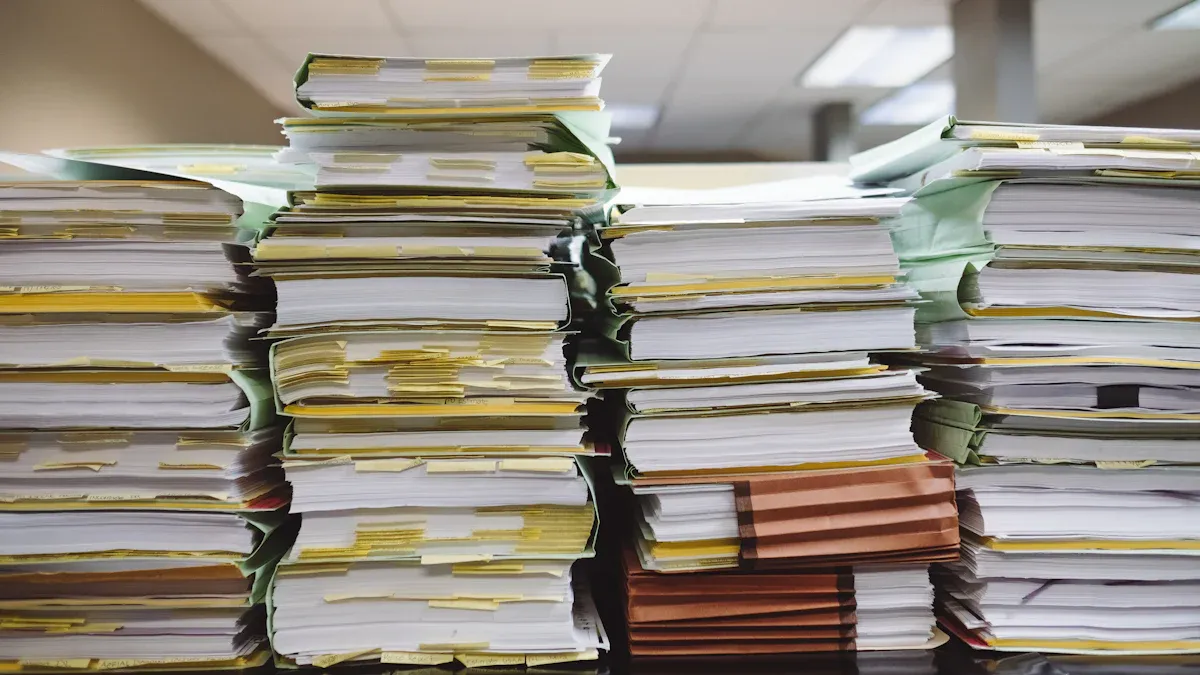
Copy paper comes in many kinds. Each kind is good for different jobs. Most copy paper works in copiers and printers. This makes it very useful.
Standard
Standard copy paper is used the most. You see it in schools and offices a lot. It is good for printing things like emails and drafts. People use it for worksheets too. Standard paper is light and costs less. It is best for black-and-white papers that do not need extras.
Multipurpose
Multipurpose paper is flexible. You can print, copy, and do some color jobs. It works for text documents of many sizes. This paper is great if you want one kind for many uses. It saves money in busy places.
Tip: Multipurpose paper and copy paper mean almost the same. Both work in most printers and copiers.
Prime
Premium copy paper is better quality. It feels thick and looks very bright. People pick premium paper for important reports. It is good for presentations or work that needs to look nice. Premium paper costs more but makes your work look great.
| Type de papier | Best Use Case | Special Features |
|---|---|---|
| Prime | Reports, presentations | Thicker, brighter, smooth |
Colored
Colored copy paper gives color to your projects. You can use it for flyers and notices. It is good for classroom activities too. Colored paper helps your message get noticed. It comes in many colors, so you can choose what you like.
Recyclé
Recycled copy paper is made from used materials. It follows rules to be called recycled. This paper helps save trees and uses less energy. Pick recycled paper for eco-friendly projects. Schools and offices use it to go green. Sometimes, recycled paper costs more because it takes extra work to make.
- Recycled paper has pre-consumer and post-consumer stuff.
- It is smart for people who want less waste.
Printer Compatibility
Picking the right paper helps your printer work well. Printers are not all the same. Some printers need special paper to print nicely. Always look at what your printer needs before you buy paper.
Inkjet vs. Laser
Inkjet and laser printers print in different ways. Inkjet printers spray ink drops on the paper. Laser printers use heat to stick toner to the page. Each printer works best with certain paper. The table below shows which paper fits each printer:
| Type de papier | Compatibility with Printers | Caractéristiques principales |
|---|---|---|
| Papier à copier | Works with many printers | Smooth surface, good for normal jobs, but toner may not stick well. |
| Laser Paper | Made for laser printers | Handles heat, keeps toner in place, stops jams. |
If you use copy paper in a laser printer, prints may not look sharp. Laser paper can take heat and holds toner better. Most copy paper works fine in inkjet printers for daily use. For photos or color prints, use special inkjet paper.
Tip: Always read your printer’s manual to find the best paper.
Specialty Papers
Specialty papers are glossy, textured, or thick. These papers are good for cards, photos, or art. Some printers cannot use specialty papers well. You might have problems like these:
- Print quality can be bad if the paper does not match the printer.
- If you do not handle specialty paper right, prints can be hard to read or get marks.
- Doing a test print helps make sure the printer and paper work together.
Load specialty paper slowly and carefully. Always do a test print before a big project. This saves paper and helps you get good results.
Paper Specs
Poids
You see paper weight listed as “20 lb” or “24 lb” on most packages. This number tells you how thick and sturdy the paper feels. Heavier paper feels stronger and lasts longer. Lighter paper costs less and works well for everyday printing.
- 20 lb bond paper: You find this weight in most offices. It is flexible and good for high-volume print jobs.
- Mid-range paper weights: These work well for business proposals and presentations. They give a smoother finish.
- Heavy-weight paper: You use this for professional materials. It gives the clearest colors and the smoothest finish.
You may also see paper weight in grams per square meter (gsm). Most copy paper falls between 75 gsm and 90 gsm. Heavier paper resists tearing and feels more professional.
Luminosité
Paper brightness affects how your prints look. Brightness uses a scale from 0 to 100. Higher numbers mean brighter paper. Brighter paper makes colors and images stand out. Text looks sharper and easier to read.
- Brightness between 80 and 100 works best for text and images.
- A paper with a brightness rating of 97 reflects more light than one rated at 92.
- Brighter papers show colors more vibrantly. Sometimes, very bright paper can make light colors look washed out.
You should pick a brightness level that matches your needs. For important reports, choose higher brightness. For drafts, lower brightness works fine.
Taille
Copy paper comes in different sizes. The two most common sizes are Letter and A4. You see these sizes in offices and schools every day.
| Format du papier | Dimensions (mm) | Dimensions (inches) | Common Uses |
|---|---|---|---|
| A4 | 210 × 297 | 8.3 × 11.7 | General office work, document printing, school assignments |
| Letter | 216 × 279 | 8.5 × 11 | Standard documents, reports, letters, fill-in forms |
Always check your printer settings before you print. Using the right size helps you avoid jams and wasted paper.
Opacité
Opacity tells you how much light passes through the paper. High opacity means you cannot see through the sheet. This matters most when you print on both sides.
High opacity is essential for double-sided printing. It prevents images and text from showing through the reverse side, keeping your documents clear and professional.
- For double-sided printing, look for papers with at least 90% opacity.
- If you print on one side only, 70-85% opacity works well.
Sheets with high opacity are perfect for reports, brochures, and manuals. They keep your work looking neat.
Material & Coating
The material and coating of paper change how ink sticks to the surface. Some papers have special coatings that help ink dry faster and stop smudging.
| Coating Type | Impact on Ink Absorption and Print Quality |
|---|---|
| Coated Inkjet Papers | These papers have a special surface. They help colors stay bright and sharp. |
| Cationic Polymer Treatment | This treatment slows ink soaking into the paper. It reduces bleeding and keeps prints clear and water-resistant. |
- Specialized coatings on some papers help ink absorb better and last longer.
- The thickness and type of coating affect how well the paper handles ink.
- Good coatings stop ink from bleeding and feathering. Your prints look vibrant and last longer.
You should choose the right material and coating for your printer and project. This helps you get the best results every time you print.
Eco-Friendly Choices
Recycled Content
You can help the earth by picking copy paper with recycled content. Recycled paper is made from old paper, not new trees. This saves energy and water. It also means less trash goes to landfills. When you choose recycled paper, you help keep resources in use longer.
Check for labels that tell you how much recycled material is in the paper. Some papers have a little recycled content. Others are made from 100% recycled paper. A higher number is better for the environment. Recycled copy paper works in most printers and copiers. You do not lose quality when you pick a green option.
Tip: Recycled paper can look different from regular paper. It might have small specks or a softer color. These marks show the paper was used before.
Certifications
Certifications help you know if your paper is good for the environment. Many groups check how paper is made and if it protects forests and animals. If you see a certification logo, the paper follows strict rules.
Here are some well-known certifications for eco-friendly paper:
| Certification Name | Description |
|---|---|
| Ancient Forest Friendly™ | Has high standards for the environment, uses lots of post-consumer waste, and no new fiber from endangered forests. |
| FSC Certification | Follows rules for forest care, including saving animals and plants. |
| SFI Certification | Focuses on making forestry work for people and the economy. |
| PEFC Certification | Makes sure forests are managed in a good way. |
You may also see these certifications listed as:
- Ancient Forest Friendly™: Needs lots of post-consumer waste and no new fiber from endangered forests.
- FSC Certification: Protects animals, plants, and forests.
- SFI Certification: Helps forests and local communities.
- PEFC Certification: Checks for good forest management.
When you buy copy paper with these certifications, you help forests and support good companies. Every sheet you use makes a difference.
Matching to Use
Home Printing
You print lots of things at home. Homework and family photos are common. Each job needs a different paper. Regular matte paper is good for basic documents. It soaks up ink and makes text clear. For photos or colorful pictures, use glossy or photo paper. These papers make colors look bright. Bright white paper is best for important letters. It looks clean and neat. Heavyweight paper works well for cards or invitations. Inkjet paper helps your inkjet printer make sharp images.
| Type de papier | Description |
|---|---|
| Regular Matte Paper | Good for everyday documents and reports. |
| Glossy Paper | Best for photos and pictures with bright colors. |
| Bright White Paper | Makes documents look neat and professional. |
| Papier photo | Thick and shiny, great for high-quality photos. |
| Heavyweight Paper | Strong, good for cards and crafts. |
| Inkjet Paper | Made for inkjet printers, gives sharp results. |
Tip: Always read your printer’s manual to find the best paper.
Office Documents
You want office papers to look nice and last long. High brightness paper makes colors and words stand out. Acid-free paper stops yellowing. Pick paper that works in many printers. This includes digital presses and color laser printers. A smooth finish helps images look clear. Jam-free paper saves time and keeps your printer working.
| Feature | Description |
|---|---|
| High Brightness | Makes colors and words bright. |
| Acid-Free Material | Stops yellowing, keeps papers fresh. |
| Compatibilité | Works with many kinds of printers. |
| Smooth Finish | Makes color and images look better. |
| Jam-Free Guarantee | Cuts down on printing problems. |
Note: Keep important papers in a dry place to protect them.
Presentations
You want your presentations to look good and last. Cardstock is thick and strong. It is great for menus and invitations. Foam board is light and sturdy. It works well for displays. Coated paper makes images sharp and stops moisture. Uncoated paper is good for flyers and handouts. Heavier paper does not tear easily and looks nice. Lightweight paper is good for simple projects and saves money.
- Cardstock: Thick and strong for menus and invitations.
- Foam board: Light and sturdy for displays.
- Coated paper: Sharp images and resists moisture.
- Uncoated paper: Soaks up ink, good for flyers.
- Heavier paper: Strong and looks professional.
- Lightweight paper: Saves money for resumes and simple presentations.
Try printing one copy first to check how it looks and feels.
Classroom Projects
You need paper that works well and is fun for class projects. Harmony Office Copy Paper uses only recycled fiber. It helps the environment. Xerox Bold Digital Coated Gloss Printing Paper makes photos and colors stand out. Standard copy paper is good for daily work. Colored paper makes creative work exciting.
| Nom du produit | Description | Price per Sheet | Eco-Friendly |
|---|---|---|---|
| Harmony Office Copy Paper | Made from recycled fiber, supports the environment | $0.048 | Yes |
| Xerox Bold Digital Coated Gloss Paper | Bright colors and detail for photos | $0.17 | No |
| Copy Paper 8.5×11 Inches | Good for everyday printing, 92 brightness | N/A | No |
| Colored Paper 8.5×11 Inches | Adds color for creative projects | N/A | No |
Pick recycled paper when you can to help the earth.
Money-Saving Tips
Bulk vs. Small Packs
You can save money by buying copy paper in bulk. Large packs often cost less per sheet than small packs. If you print a lot at home or in the office, bulk buying makes sense. You will not run out quickly, and you avoid last-minute trips to the store. For small jobs or rare printing, small packs work better. They take up less space and keep your paper fresh. Always check how much you print before you buy.
Tip: Compare the price per sheet, not just the total price. Sometimes, a big box looks like a deal, but the price per sheet is not much lower.
Storage
Proper storage keeps your copy paper in good shape and helps you avoid waste. Paper can get damaged by heat, moisture, or sunlight. You should follow these best practices:
- Keep humidity between 30% and 50% to stop mold and brittleness.
- Store paper at a stable temperature, between 60°F and 70°F, to prevent warping.
- Use acid-free storage materials to protect against chemical damage.
- Store paper in its original packaging to keep the right moisture level.
- Lay paper flat to avoid bent edges.
- Protect paper from direct sunlight, which can fade ink and weaken fibers.
- Make sure the storage area has good ventilation.
If you store paper well, you will have fewer jams and less waste. Good storage also keeps your prints looking sharp.
Avoiding Jams
Paper jams waste time and money. You can prevent most jams by following a few simple steps:
- Choose high-quality, smooth paper that matches your printer’s needs.
- Use the correct paper weight and type for your printer model.
- Load paper carefully and do not overfill the tray.
- Align the paper properly in the tray to avoid misfeeds.
- Do not mix different types of paper in one tray.
- Clean your printer often to remove dust and debris.
- Store paper in a dry, cool place to prevent moisture problems.
Note: Always check your printer’s manual for the best paper settings and tray use. A little care goes a long way in saving money and avoiding frustration.
Quick Checklist
Before you buy copy paper, use this checklist to make sure you pick the right one for your needs. This list helps you avoid mistakes and get the best results every time you print.
📝 Copy Paper Buying Checklist
- Know Your Main Use
Decide if you need paper for home, office, school, or special projects. Match the paper to your main task. - Check Printer Compatibility
Look at your printer type. Inkjet and laser printers work best with certain papers. Read your printer manual for advice. - Choose the Right Weight
Pick 20 lb for everyday printing. Select heavier paper (24 lb or more) for reports, presentations, or double-sided printing. - Pick the Correct Size
Most printers use Letter (8.5″ x 11″) or A4 (8.3″ x 11.7″). Check your printer settings before you buy. - Look at Brightness
Higher brightness (92–100) makes text and images stand out. Use lower brightness for drafts or notes. - Check Opacity
High opacity (90% or more) works best for double-sided printing. Lower opacity is fine for single-sided jobs. - Consider Eco-Friendly Options
Choose recycled paper or paper with certifications like FSC or PEFC if you want to help the environment. - Decide on Color
Use white for most documents. Pick colored paper for flyers, crafts, or when you want to grab attention. - Think About Quantity
Buy in bulk if you print a lot. Small packs work better for light use or limited storage. - Inspect Packaging
Make sure the package is sealed and dry. Damaged packaging can mean damaged paper.
Conseil : Always keep a small sample of your favorite paper. Bring it to the store to compare feel, thickness, and brightness.
| Feature | What to Check | Meilleur pour |
|---|---|---|
| Poids | 20 lb, 24 lb, or heavier | Everyday, reports, photos |
| Luminosité | 92–100 | Text, images, presentations |
| Opacité | 90%+ for double-sided | Reports, manuals |
| Eco-Friendly | Recycled, FSC, PEFC | Green printing |
| Taille | Letter, A4 | Most printers |
Use this checklist each time you shop for copy paper. You will save time, money, and avoid printing problems.
You can find the right copy paper by following a few simple steps:
- Learn about different paper types and their specs.
- Think about how your prints will look.
- Ask for samples before you buy.
Try these tips for better results:
- Clean your printer heads often.
- Replace ink or toner when needed.
- Pick paper that works well with your printer.
- Check your printer for problems.
Use the checklist each time you shop. If you feel unsure, test a few types. Your choice helps your work look its best! 😊
FAQ
What is the difference between copy paper and printer paper?
Copy paper works well in copiers and most printers. Printer paper can include special types for inkjet or laser printers. You can use copy paper for everyday printing. For photos or color prints, choose paper made for your printer.
Can I use recycled paper in any printer?
Yes, you can use recycled paper in most printers. Check your printer manual for best results. Some recycled papers may feel rougher. Always store recycled paper in a dry place to prevent jams.
How do I stop paper from jamming in my printer?
You can avoid jams by loading paper neatly and not overfilling the tray. Use the right paper size and weight for your printer. Keep paper dry and flat. Clean your printer often to remove dust.
Does paper brightness really matter?
Yes, brightness affects how your prints look. Higher brightness makes text and images stand out. For important reports, use bright paper. For drafts, lower brightness works fine.
Is colored paper safe for all printers?
Most printers handle colored paper well. Use the right size and weight for your printer. Test a few sheets first. Colored paper may show ink colors differently than white paper.