
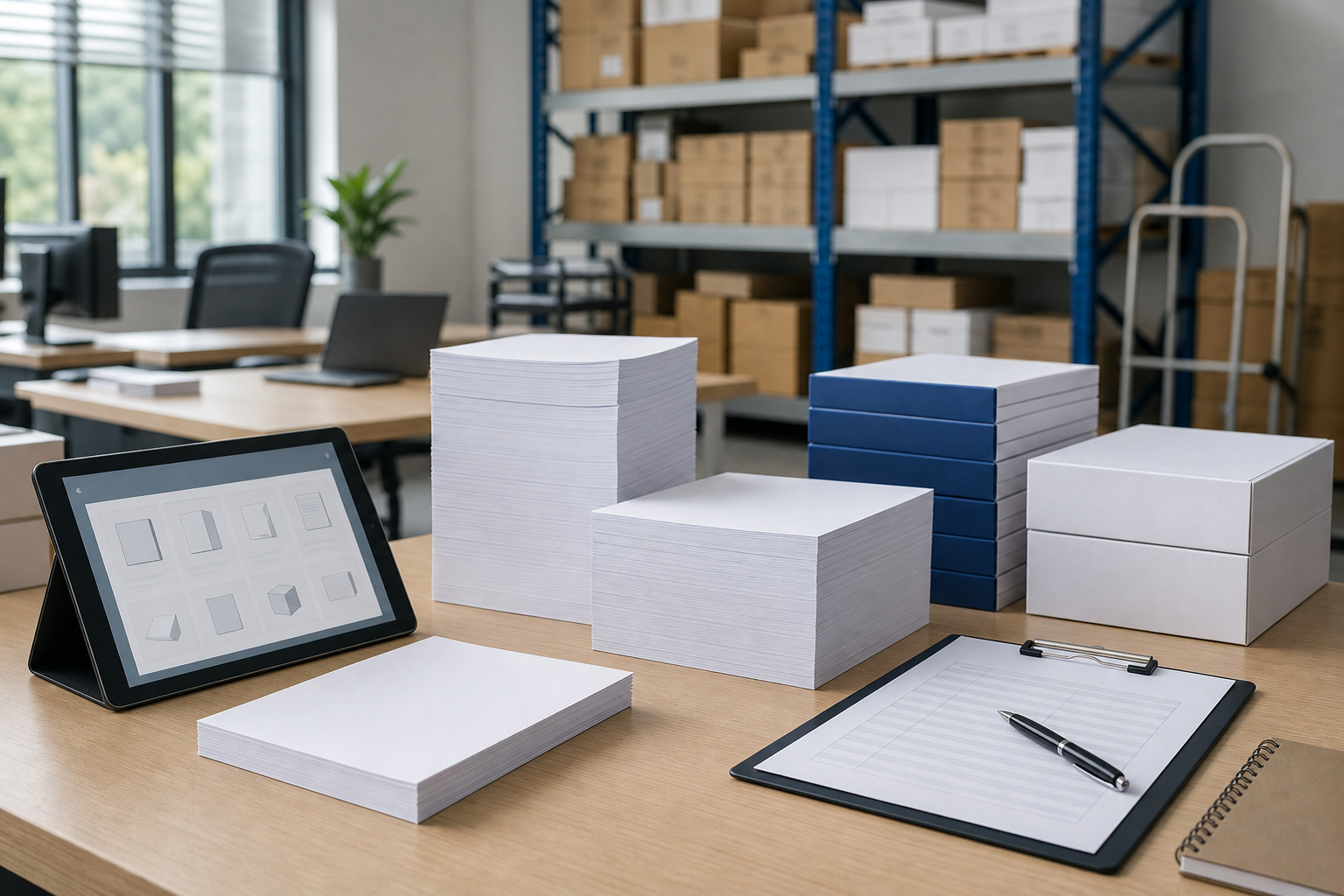
Start Here: Which “Paper Copy” Meaning Matches Your Request?
Before treating “paper copy” as an office paper order, do a quick routing check. Current search results often connect Paper Copy with the Papercopy or Papercopy – Tracer app, while workplace messages may use the same words for a hard copy, blank copy paper, or the act of reproducing a document on paper.
Decision table: meaning, clue phrase, and next action
| Possible meaning | Clue phrase | Next action |
|---|---|---|
| Paper Copy or Papercopy app | Download, tracer, Android, app, APK | Stop here and verify the app through official app stores, developer sources, or IT guidance. |
| Paper copy as hard copy | Send me a paper copy | Confirm the document, recipient, number of sets, and whether it must be printed or filed. |
| Copy paper as office supply | Order paper copy | Translate the request into paper size, device use, appearance, and quantity; for blank stock, review copy of paper for office use. |
| Copying a document onto paper | Make paper copies | Confirm whether the task is document reproduction, copy-room scheduling, or a recurring paper supply need. |
For procurement teams, this routing step prevents two common mistakes: sending an app-focused request into an office supplies workflow, or buying blank paper when the requester needed a one-time physical document. If the need ends with sheets going into printers, copiers, or MFPs, continue by collecting paper requirements instead of repeating the phrase “paper copy” in the purchase request.
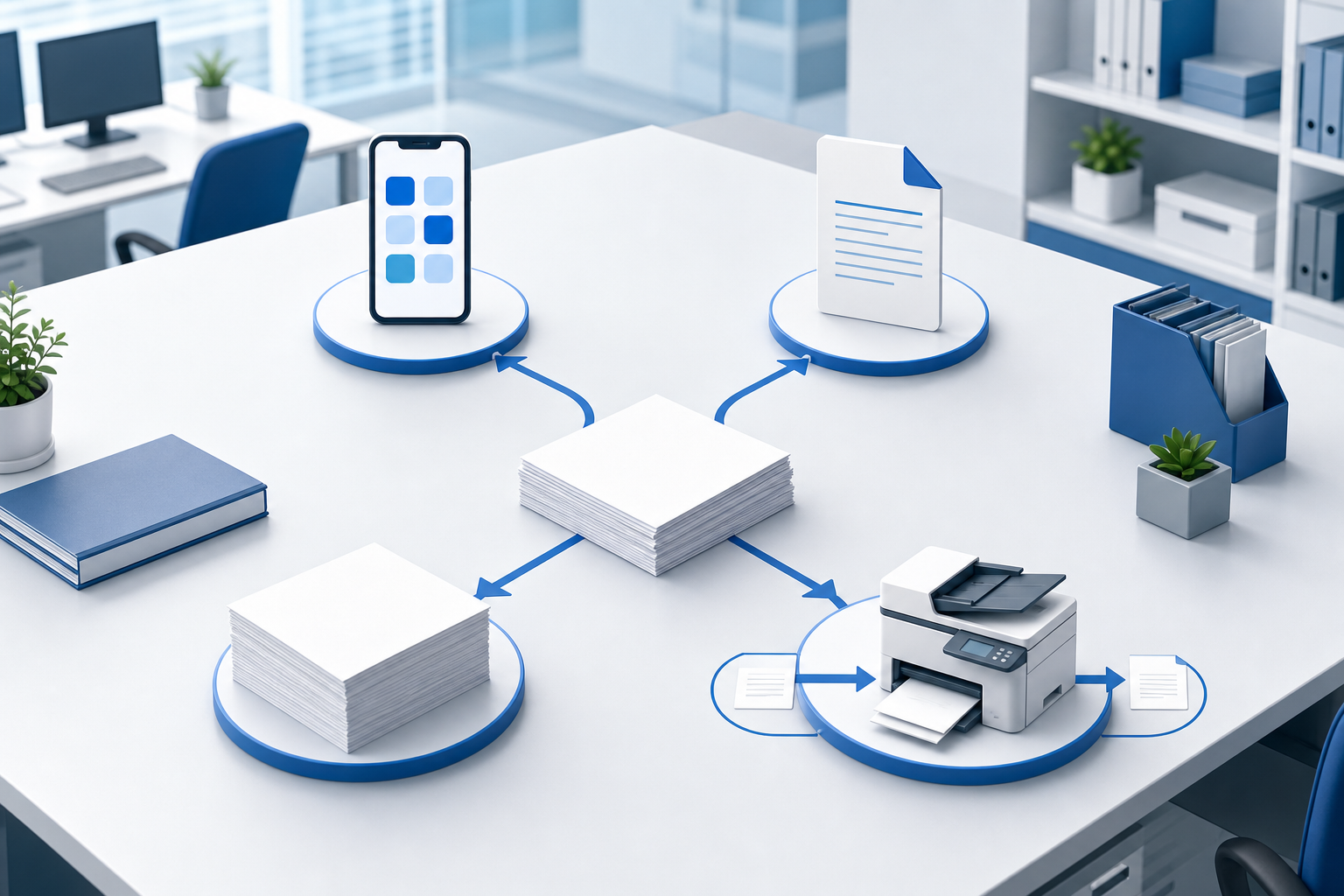
Why App Results Appear for “Paper Copy” Even When Offices Need Paper
The mismatch happens because Paper Copy also resembles the name of an app. In the visible US search results, pages for Papercopy or Papercopy – Tracer and third-party download listings appear prominently, and snippets describe screen-to-paper tracing activity rather than business paper purchasing.
That does not make the office meaning wrong. People inside companies rarely write perfectly formal purchase requests. A manager may say “I need paper copies of this deck,” a receptionist may ask to “order paper copy,” and a department may refer to recurring copier output as “paper copy” work. Search engines can then mix app, dictionary, ecommerce, and office meanings in the same result set.
If your intent includes tracing artwork, APK files, mobile installation, platform support, or a Paper Copy download, this article is not the best next step. Verify availability, pricing, permissions, and platform support through an official app store, the developer’s own source, or your IT policy. Do not assume iPhone, Windows, or web support only because those terms appear in related searches. If your intent is physical office output, continue by turning the phrase into paper requirements.
Request → Clarification Question → Purchasing Detail for “Paper Copy” Phrases
The fastest way to handle a vague paper copy request is not to ask for a product name first. Ask what outcome the requester expects. That answer determines whether you are buying blank sheets, planning a print run, or simply confirming that a digital file needs a physical version.
Mini conversion matrix
| Internal request | Clarification question | Purchasing detail to capture |
|---|---|---|
| “Make paper copies” | Do you need document reproduction or more blank paper supply? | Original document, number of sets, simplex or duplex use, and deadline controlled by the department. |
| “Order paper copy” | Do you mean office copy paper for printers and copiers? | Paper size, device path, expected volume, and appearance level. |
| “We need paper copies for a meeting” | Who will receive them and how will they be used? | Audience, document purpose, packet thickness, and whether the output is internal or client-facing. |
| “Keep paper copies on hand” | Is this a records requirement or a recurring print workflow? | Retention need, department owner, replenishment rhythm, and storage location. |
If the discussion turns into a copier or MFP task rather than a paper order, a guide on copying a paper on office equipment can help separate the operation from the supply requirement. For purchasing, the key is to convert informal wording into observable details: document, device, sheet, quantity, and repeat pattern.
Workflow First: Match Paper Decisions to the Documents Being Produced
Once the request is confirmed as an office output need, organize the decision around the document workflow rather than starting with a broad catalog of paper specs. The question is: what job will the paper copy perform after it leaves the printer, copier, or MFP?
- Internal drafts and everyday reference packets. These usually need consistent runability and easy readability for markup, routing, and short-term use. Avoid over-specifying paper when the document will stay inside the organization.
- Client-facing reports, proposals, and presentation packets. Appearance becomes more important because the paper supports a business impression. Confirm whether weight, finish, brightness, and sheet consistency matter for the document’s audience.
- Invoices, forms, and records. Legibility, feeding reliability, duplex behavior, and filing requirements may matter more than a premium look. If the document is a specialty form rather than a standard printout, treat that as a separate requirement.
- Training handouts and recurring copy-room output. Repetition changes the decision. Buyers should consider standard paper size, device compatibility, storage space, package handling, and when the next order may be needed.
This workflow-first approach keeps purchasing specific without turning every request into a premium-paper discussion. It also gives suppliers enough context to discuss comparable office paper options if a preferred item changes, while keeping the decision anchored to document purpose instead of vague wording.
The Five Details Hidden Inside an Ambiguous “Paper Copy” Request
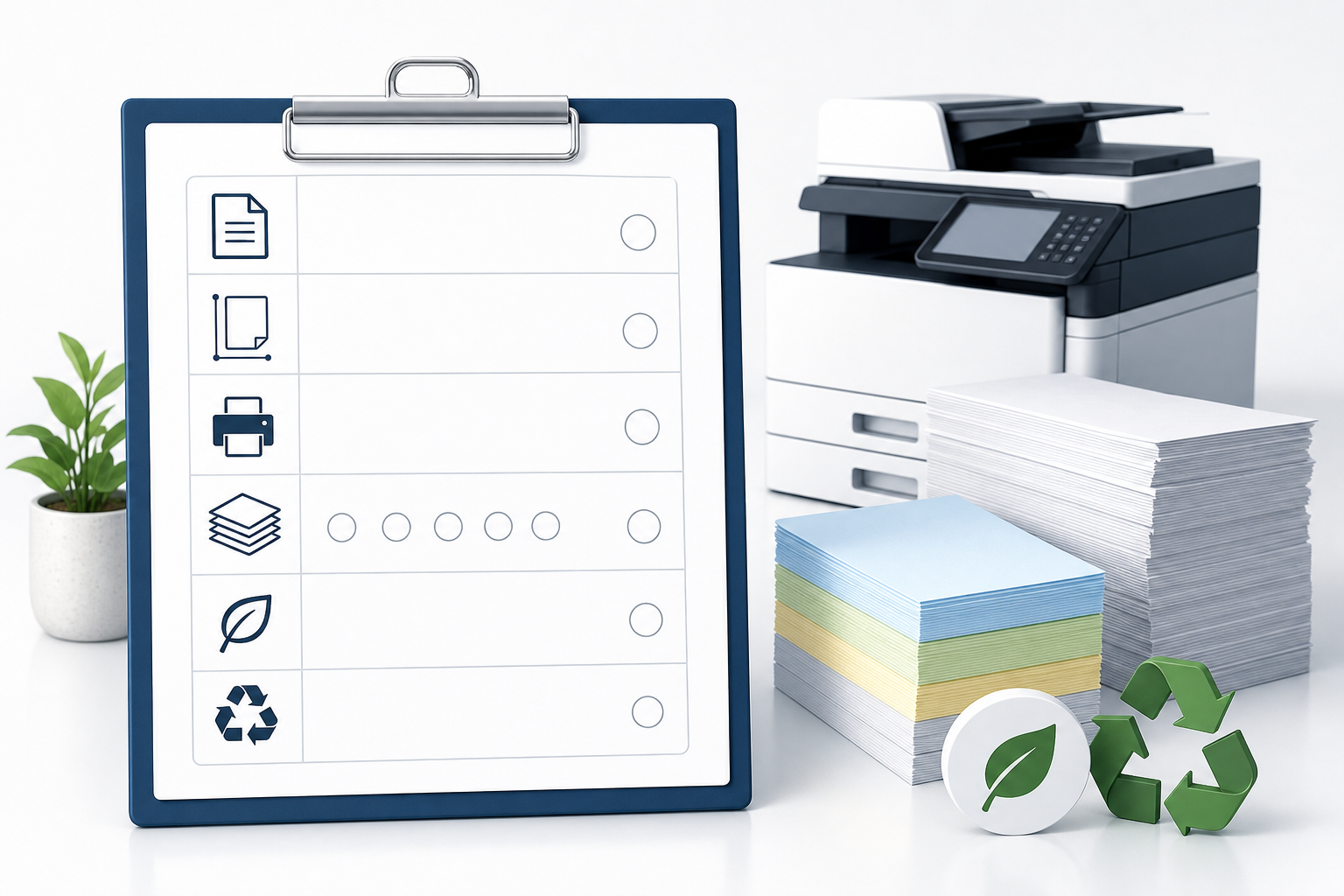
A phrase like “paper copy” often hides the same details that would normally appear in a well-written office paper request. Capture them before asking for product options.
- Paper size and orientation. US offices commonly discuss letter-size output, but meetings, spreadsheets, drawings, and packets may require another size or landscape orientation. Confirm the document, not just the phrase.
- Printer, copier, or MFP path. Note whether the sheets will run through laser equipment, inkjet devices, high-volume copiers, duplex units, or multiple machines. Device compatibility matters more than the requester’s wording.
- Weight, brightness, and appearance. Do not default to the highest-looking option. Decide whether the document is internal, customer-facing, marked up by hand, mailed, inserted in folders, or copied again.
- Estimated volume and reorder rhythm. Separate a one-time packet from recurring departmental output. The wrong assumption can leave either excess paper in storage or an avoidable rush request later.
- Recycled-content or sustainability preference. If your organization has a purchasing policy, state it early; if not, ask whether recycled-content preference affects the paper choice.
These five details make “paper copy” specific enough for comparison without requiring a long specification sheet for every routine order.
Ambiguity Traps That Lead to the Wrong Paper Copy Purchase
Most paper copy errors begin with language, not with paper quality. Procurement teams can reduce risk by treating ambiguous wording as a control point before a purchase order, repeat order, or departmental handoff is created.
- App intent vs office supply intent. If the request mentions download, tracing, Android, iPhone, Windows, or web, route it to app verification rather than office paper purchasing.
- Hard copy vs blank copy paper. “Send a paper copy” usually means produce a physical version of a named document. “Order copy paper” means stock sheets for devices. Confirm which one before buying.
- Carbon copy vs regular copy paper. Requests for multipart forms, duplicate receipts, or pressure-transfer copies may require specialty materials, not standard office sheets. Compare carbon copy paper versus regular office copy paper before substituting.
- Document reproduction vs inventory. A meeting packet can be a one-time output task; a recurring copy-room pattern is an inventory-planning issue.
- Over-ordering before volume is known. Do not infer recurring usage from a single phrase. Ask for frequency, users, and document purpose first.
A short written confirmation can prevent most mistakes: state whether the need is app guidance, hard-copy production, blank paper supply, or specialty form stock before the order is released.
Procurement Handoff: Send a Clear Paper-Copy Requirement
When the phrase has been clarified, turn it into a handoff note that a supplier, department approver, or purchasing system can understand. The goal is not to overbuild the request; it is to remove the ambiguity that made “paper copy” difficult in the first place.
One-line handoff format
Use this structure: document type + paper size + printer or copier path + estimated recurring volume + appearance or recycled-content preference. For example, the note might identify training handouts, letter-size paper, copier use, expected repeat usage, and a recycled-content preference if your policy requires one. Keep the wording flexible when exact volumes are not yet known.
| Handoff field | What to collect |
|---|---|
| Need type | Blank office paper, hard-copy output, reproduction task, app research, or specialty form. |
| Paper requirement | Size, orientation, appearance level, and any known weight or finish preference. |
| Device path | Printer, copier, MFP, duplex use, or multiple office devices. |
| Usage pattern | One-time project, recurring copy-room use, department stock, or meeting packet. |
If the need is not office copy paper, say so clearly. Mark it as app research, a one-time document reproduction task, or a specialty form request before anyone places a supply order.
To move the purchasing conversation forward, send a clarified paper-copy requirement with the document type, paper size, printer or copier use, estimated recurring volume, and any recycled-content preference. That gives a supplier or internal buyer a practical starting point instead of an ambiguous phrase.
Questions fréquemment posées
Is Paper Copy or Papercopy the same as office copy paper?
No. In search results, Paper Copy or Papercopy usually points to a tracing app, while office copy paper is blank stock for printers, copiers, and MFPs. If downloads, APKs, or platform support are involved, verify through official app stores, developer sources, or IT before treating it as a paper purchase.
Does paper copy mean hard copy in office communication?
Often, yes. A paper copy commonly means a physical printout of a digital file or record. Confirm the file, recipient, number of sets, single- or double-sided output, and any filing requirement before printing or ordering paper.
What should I give a supplier when someone asks for paper copies?
Send the document type, paper size, printer or copier path, estimated recurring volume, appearance level, and any recycled-content preference. Also clarify whether the need is blank paper stock or a finished printout.
How should a purchase order phrase a paper copy need?
Use specific wording such as blank office copy paper for printer stock, printed hard copies for finished documents, or document reproduction for a copy-room task. Avoid writing only paper copy because it can be routed to the wrong workflow.
Can paper copy mean a copying task rather than a product?
Yes. Phrases like make paper copies usually describe a task: reproduce a document on paper. Procurement should confirm whether staff need printer or copier time, outside print support, or additional blank paper for repeat output.