
TL;DR:
70gsm suits draft and high-volume internal prints where cost per ream matters most. 80gsm is the everyday office default with better opacity for duplex pages. 100gsm adds a Premium feel and cleaner duplex for color-heavy or client-facing work. If you’re unsure, get a sample of all three and test on your own printer.
70gsm vs 80gsm vs 100gsm — the quick answer
When 70gsm makes sense
Use it for internal notes, markups, and high-volume runs with light text coverage. It feeds fast and keeps costs low. Expect more show-through on duplex pages, especially with solid charts or photos.
When 80gsm is the safe default
Pick 80gsm for most office documents. It balances opacity, handling, and a familiar “office” feel. Duplex is usually acceptable for text-heavy pages and light graphics.
When to step up to 100gsm
Choose 100gsm when the document must look polished—external proposals, color-heavy decks, or forms that need a stiffer sheet. Duplex stays cleaner under heavier coverage, and pages feel more substantial.
Next step: Try before you bulk buy. Get a sample pack.
What GSM actually means (and what it doesn’t)
GSM = grams per square meter. It’s a weight measure, not a direct thickness measure.
Day-to-day results depend on opacity/show-through, brightness/whiteness, stiffness, and your printer’s fuser/roller characteristics.
Because printers, toners, humidity, and storage vary, always run a small test.
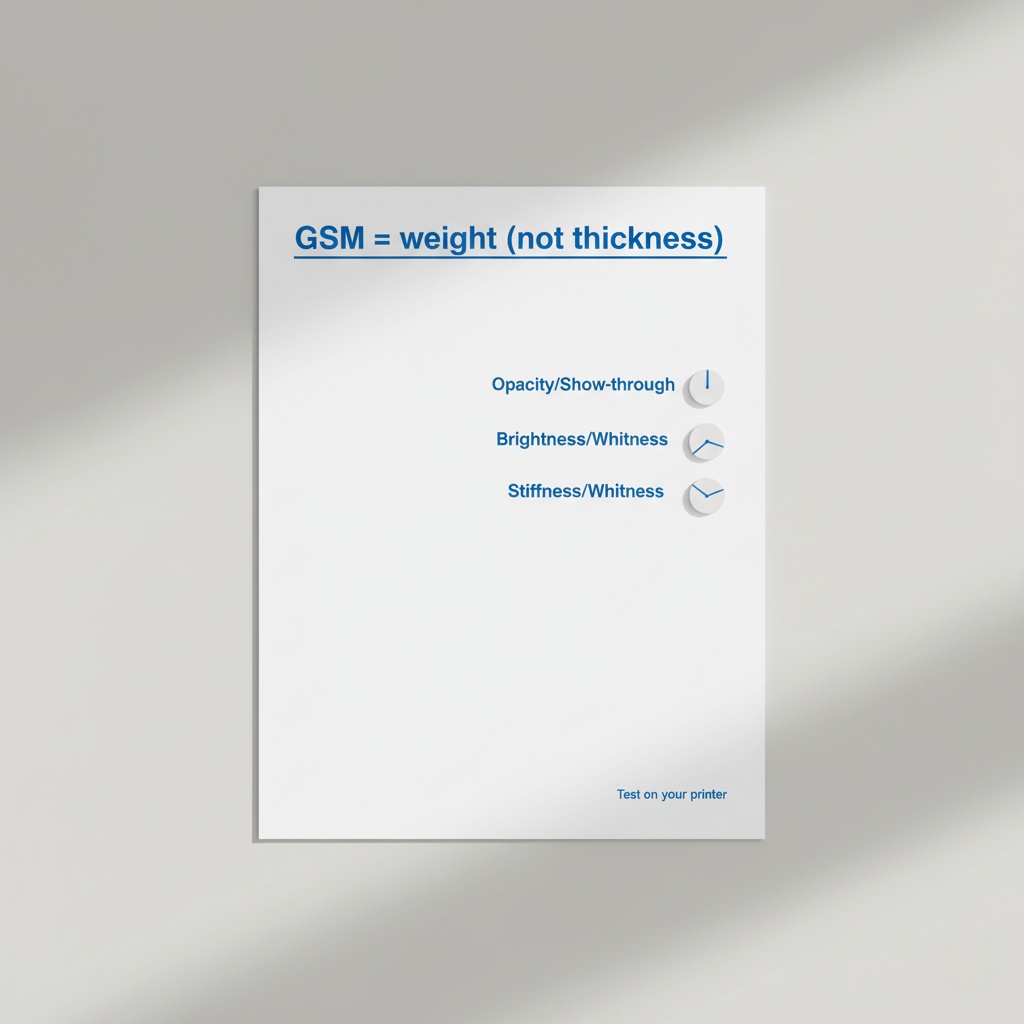
Plain-English definitions
- Opacity / Show-through: How much print on one side is visible from the other. Higher opacity = less ghosting.
- Brightness / Whiteness: How “crisp” black text and colors appear; affects contrast and perceived quality.
- Stiffness: How the sheet resists bending; influences feel, feeding, and curl.
Print quality factors that drive your choice
Opacity & show-through
- 70gsm : acceptable for single-sided or light duplex text; ghosting likely on charts/photos.
- 80gsm : good general duplex; light charts typically fine.
- 100gsm: best duplex clarity for color blocks, photos, and dense layouts.
Brightness & whiteness
Higher brightness increases contrast, making small text and colors look sharper. It doesn’t guarantee duplex quality, but it improves perceived crispness.
Coverage matters
- Text-only (≈5–10% coverage): 70gsm or 80gsm, both fine.
- Mixed text + charts (≈20–40%): Prefer 80gsm; 100gsm if you need immaculate duplex.
- Heavy color/photos (50%+): 100gsm for best duplex results.
Duplex printing & “ghosting” (practical guidance)
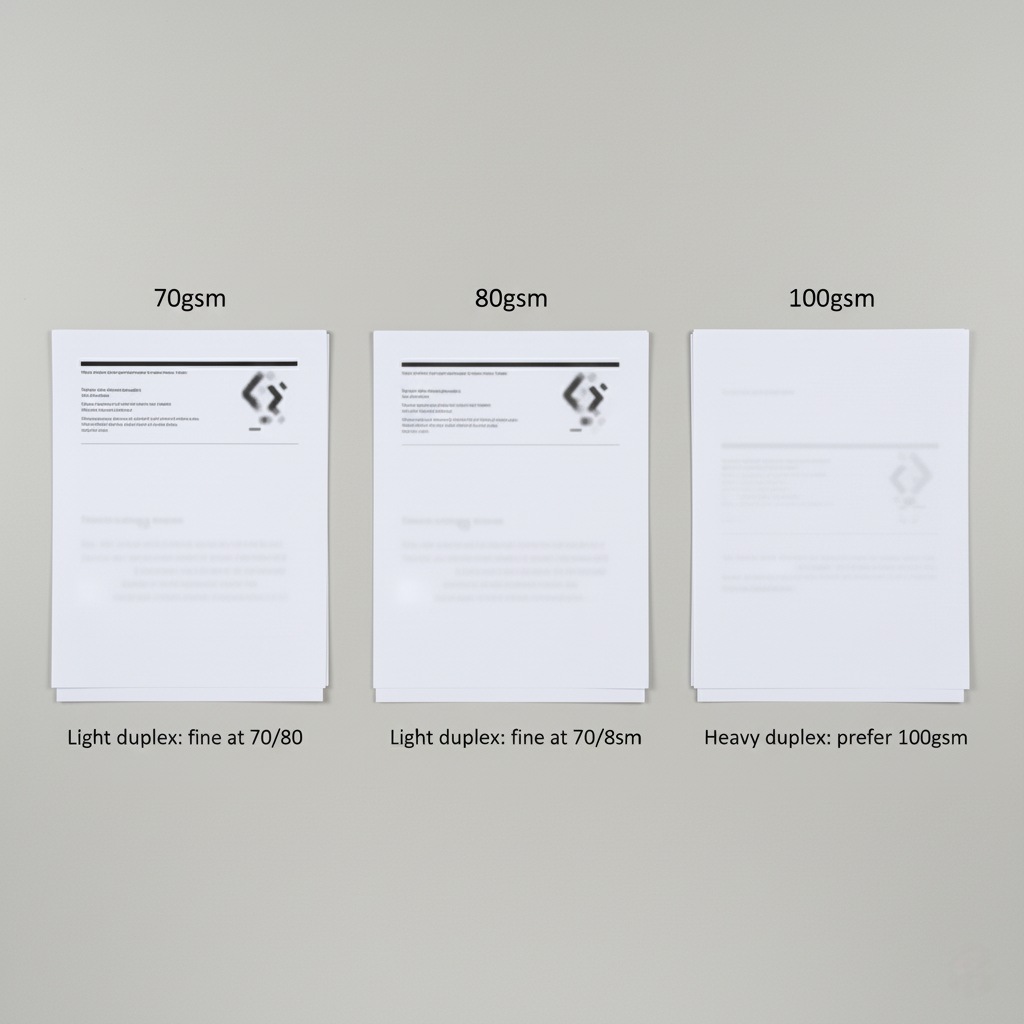
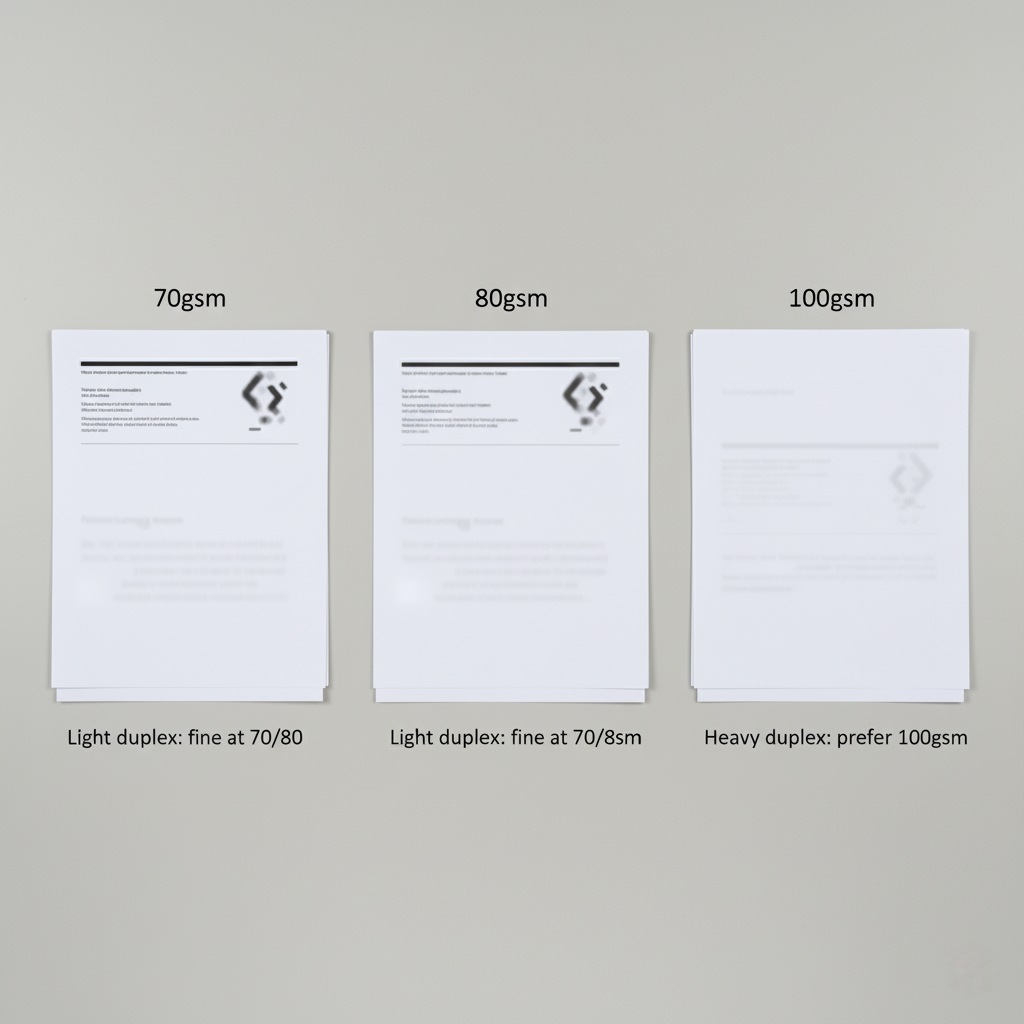
Light duplex (text + small logo)
70gsm can work. Use moderate toner density and avoid dense shading.
80gsm is safer; standard office defaults usually look tidy.
Heavy duplex (charts, photos, solid fills)
80gsm can show ghosting; set a lighter halftone or move key figures away from back-to-back alignment.
100gsm keeps pages cleaner and resists show-through.
Rules of thumb
- Align dense elements so they don’t overlap across sides.
- Print a “Duplex Test”: one page with mixed elements; flip and check under normal office light.
- Store paper flat, in wrap, at room humidity; curled or damp sheets misfeed and exaggerate show-through.
Cost-to-use: not just price per ream
Most teams compare only the ream cost. A better lens is the cost per accepted page (pages you’re happy to send or file).
Quick calculator (use your numbers)
Inputs: ream price, pages/ream, expected reprint rate for the job, staff time per reprint.
Method:
- Pages accepted = total printed − reprints
- Effective cost = (paper cost + toner share + staff time for reprints) ÷ pages accepted
How GSM affects cost
70gsm lowers paper cost but can raise reprints for duplex color.
80gsm stabilizes duplex success for mixed content.
100gsm costs more per ream but can prevent reprints and client-facing disappointments.
Helpful links:
Printer & copier considerations
Jam risk: Real-world jams come from curl, humidity, worn rollers, or out-of-spec media—not GSM alone. Heavier sheets can feed more consistently on some engines; very light sheets can scuff on others.
Fuser/roller wear: Dense coverage on thin stock can raise curl; heavier stock handles heat better.
High-speed runs: For 50+ copies/minute, 80gsm or 100gsm may hold registration and flatness better.
Jam-reduction checklist
- Store paper sealed and flat; acclimate to room conditions.
- Fan small stacks before loading; don’t overfill trays.
- Match driver setting to paper weight; use “thicker” setting for 100gsm.
- Replace worn rollers and clean feed paths on schedule.
Comparison matrix (at-a-glance)
| Criteria | 70gsm | 80gsm | 100gsm |
|---|---|---|---|
| Utilisation typique | Drafts, internal notes, training handouts | Everyday office docs, reports, invoices | Client-facing decks, proposals, forms |
| Duplex clarity (text-only) | OK | Good | Excellent |
| Duplex clarity (charts/photos) | Fair | Good (light charts) | Excellent |
| Feel & stiffness | Light | Standard office feel | Premium, more rigid |
| Handling high-speed devices | Suitable for light coverage | Strong all-rounder | Best for dense coverage |
| Cost per ream | Lowest | Mid | Highest |
| Total cost risk (reprints) | Higher if duplex + heavy | Low/medium | Lowest |
Want proof on your device? Try a mixed GSM kit and compare results side-by-side.
Decision checklist (30-second picker)
Tick what applies:
- Mostly text-only, internal circulation → 70gsm or 80gsm
- Regular duplex with light charts → 80gsm
- Client-facing or heavy color → 100gsm
- High-speed copier, long runs → 80gsm or 100gsm
- Strict budget and single-sided prints → 70gsm
Still unsure?
- Explore options: Compare A4 reams
- Low-friction trial: Get a sample pack
- After testing: Request a bulk quote
Notes for print/photocopy shop owners (secondary audience)
Throughput: 80gsm keeps queues moving for mixed jobs; reserve 100gsm for premium orders.
Inventory: Stock a 70/80/100 mix; use 70gsm for price-sensitive flyers and internal copies.
Wear: Heavier media often means smoother fusing on color-heavy jobs; keep a thicker-stock preset to reduce curl.
Eco & compliance basics (FSC/PEFC)
Prefer products with FSC or PEFC certification to support responsible sourcing.
Keep claims neutral and factual; avoid implying environmental performance beyond the certification scope.
Recycled variants may have different brightness/opacities; test them like any other stock.
FAQ
- Is 70gsm OK for duplex?
- Yes for light text-only duplex. Expect show-through on charts or solid color. If duplex quality matters, start at 80gsm.
- Does 80gsm jam less than 70gsm?
- Not automatically. Jams are usually about storage, curl, tray load, and machine condition. 80gsm can feed more consistently on some devices. Testing on your printer is best.
- What does “brightness” actually change?
- Higher brightness increases contrast, making small text and colors look sharper. It doesn’t guarantee duplex quality, but it improves perceived crispness.
- Is 100gsm overkill for invoices?
- For everyday invoices, 80gsm is fine. Use 100gsm when invoices double as brand collateral or must resist handling and filing wear.
- Will 70gsm save money overall?
- It can be used for single-sided or light text jobs. If duplex reprints are standard, 80gsm or 100gsm may be cheaper per accepted page.
CTA — try before you decide
Primary: Get a sample pack
Secondary: Request a bulk quote