
Start With Output Risk: When Copy Paper vs Printer Paper Labels Matter
The practical answer is that copy paper and printer paper can often be used interchangeably for everyday office text jobs, but they are not always identical buying categories. Copy paper is commonly positioned for routine copying, drafts, forms, and high-volume internal documents. Printer paper is often used as a broader catalog term that may include copy paper, multipurpose paper, and higher-spec sheets intended for clearer images, better feel, or more controlled feeding.
For procurement, the label is only the first screen. The decision should start with output risk: What happens if the page looks thin, shows through on the reverse side, curls, feels too light, or produces inconsistent image quality? If the answer is little or no business impact, standard copy paper may be enough. If the document will be reviewed externally, printed double-sided, used in a presentation, or produced with heavy toner or ink coverage, the paper specification deserves more attention.
A simple rule for reordering is this: use standard copy paper for low-risk, internal text; move to defined printer paper attributes when appearance, opacity, weight, finish, or machine guidance affects the result. If the team is still debating whether copy paper is the same as printer paper, separate the naming issue from the specification issue before approving the order.
This approach keeps purchasing practical. Buyers do not need a premium sheet for every document, but they do need a documented reason when the office default will not protect the intended output.
Looking for Factory-Direct Copy Paper Prices?
Skip the middlemen. Get FOB/CIF container quotes directly from the mill. OEM private labeling available.
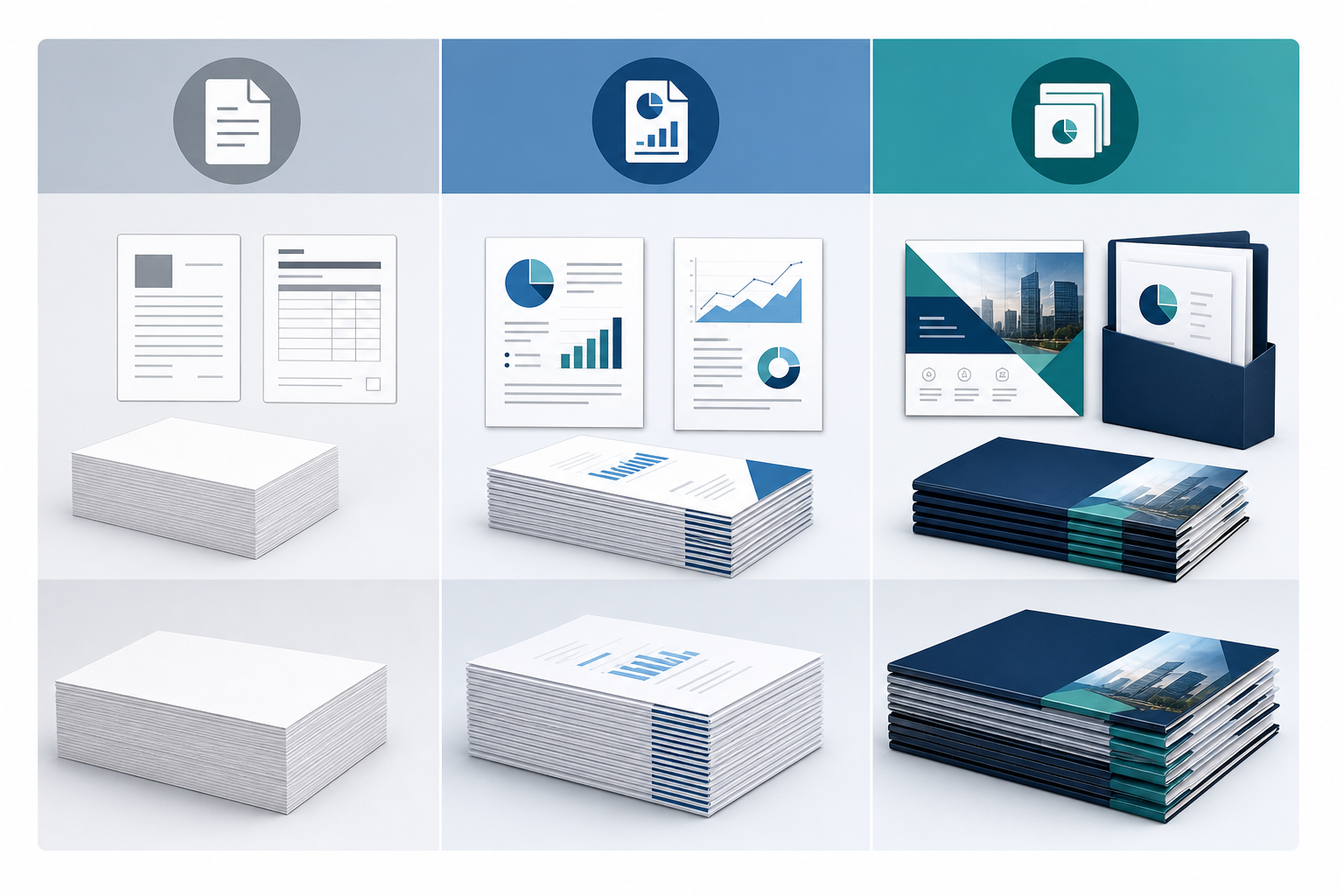
Job-Type Matrix: Copy Paper vs Printer Paper for Memos, Duplex Reports, Graphics, and Client Packets
Use this matrix to turn copy paper vs printer paper from a product-label question into a document-risk decision. The default is not always the cheapest acceptable sheet; it is the sheet that supports the job without adding unnecessary specification complexity.
| Print job | Likely paper direction | Risk signal to check | Procurement note |
|---|---|---|---|
| Internal memos, drafts, simple forms | Standard copy paper is usually sufficient | Low ink coverage and short document life | Keep this in the everyday default spec |
| Basic packets and recurring reports | Copy or multipurpose paper may work | Readability, page count, and duplex use | Check opacity before broad rollout |
| Duplex handouts | Higher-opacity or heavier printer paper may be justified | Show-through, curl, and handling feel | Define the requirement, not just the category name |
| Graphics, charts, and color-heavy pages | Printer paper with suitable brightness or finish | Contrast, image sharpness, and coverage | Review output on the actual office device |
| Presentations, proposals, and client packets | Upgrade stock is often appropriate | External impression and document durability | Reserve exception stock for approved uses |
| Equipment-sensitive workflows | Follow device and package compatibility wording | Feed consistency, curl, and toner or ink behavior | Match paper to copier, laser, inkjet, or MFP guidance |
For high-volume offices, this matrix also helps prevent department-by-department drift. A department can request an exception, but the request should name the job type and risk signal rather than simply asking for better paper. That makes supplier comparison cleaner and reduces substitutions that look equivalent in a catalog but perform differently in a specific workflow.
Read Beyond the Label: Specs That Change Print Output
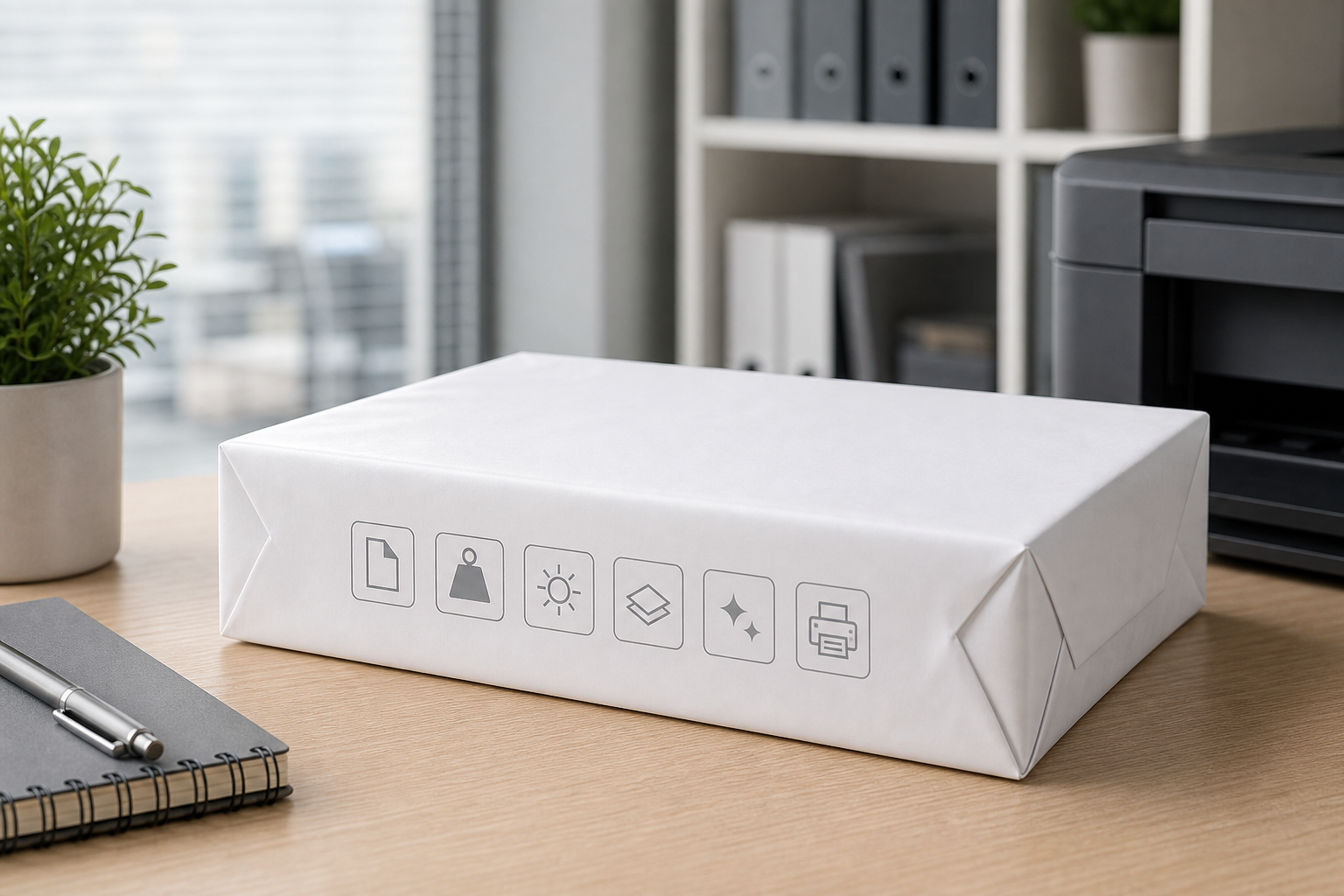
Supplier listings may call a sheet copy paper, printer paper, multipurpose paper, or plain paper. Those names overlap, so buyers should compare the specifications printed on the package or listed in the product description. The goal is not to collect every technical detail; it is to identify the attributes that change feed reliability, printed appearance, and suitability for the document.
| المواصفات | What to verify | Why it matters |
|---|---|---|
| الحجم | Letter, A4, Legal, or specialty size | Must match trays, templates, and printer settings |
| Weight and caliper | Weight shown in lb or gsm, plus physical feel | Affects stiffness, handling, and duplex performance |
| Brightness or whiteness | Contrast level shown by the supplier or package | Influences text clarity, charts, and presentation appearance |
| التعتيم | Resistance to show-through | Important for double-sided documents and thicker packets |
| Finish or smoothness | Plain, smooth, uncoated, or other listed finish | Can affect toner, ink, and image sharpness |
| Compatibility wording | Copier, laser, inkjet, multifunction, or duplex language | Aligns the order with actual office equipment |
When two offers carry different category names but the same critical specifications, they may be functionally similar for routine work. When the specs differ, the category name should not override the output requirement. This is especially important when a supplier proposes a substitution: approve based on size, weight, brightness, opacity, finish, and device wording, not the label alone.
Set Copy Paper as the Everyday Default – Then Trigger Printer Paper Exceptions
For most organizations, the cleanest standard is one everyday copy paper specification for high-volume internal use, plus a controlled exception path for higher-output-risk documents. The everyday default should cover the work that uses the most sheets: internal memos, drafts, printed emails, simple forms, training notes, sign-in sheets, and basic text documents. In those use cases, over-specifying paper can create unnecessary variation and may cause departments to consume premium stock for pages that do not need it.
The default should be overridden when the document carries more visual or handling risk. Duplex reports need enough opacity to reduce show-through. Graphics and charts may need better brightness or a smoother finish to keep contrast acceptable. Presentations, proposals, board packets, HR offer packets, and client-facing handouts may justify a heavier or cleaner-looking sheet because the paper affects how the document is perceived and handled.
To make the policy usable, describe exception triggers instead of asking every employee to understand paper categories. Examples include double-sided packet, external handout, color-heavy pages, executive presentation, or device-specific requirement. Stock locations can also support the rule: keep the default paper in general-use areas and reserve upgraded printer paper for departments or controlled shelves that handle higher-risk output. This is a procurement control, not a marketing preference.
Letter or A4? Treat Size as a Workflow Control, Not a Printer-Paper Synonym
Paper size is a common source of confusion because some users call any everyday sheet printer paper, while supplier catalogs list Letter, A4, Legal, and other sizes separately. In a U.S. office, routine requests often mean Letter size, commonly written as 8.5 x 11 copy paper. That does not make printer paper the same as A4; A4 is a different international size and should be requested only when the workflow, template, or equipment setup requires it.
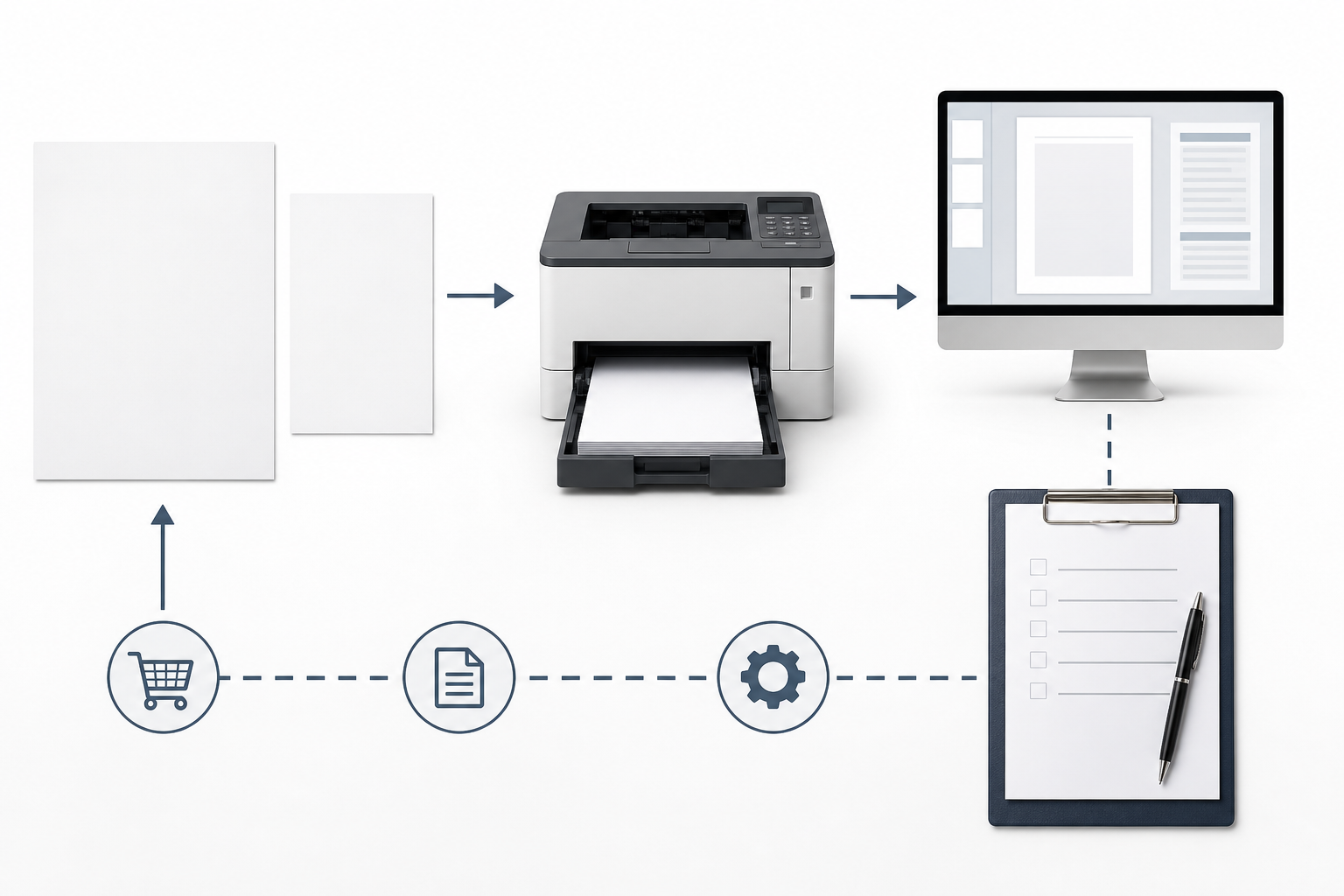
Wrong-size purchasing can create problems outside the purchasing department. Printer trays may be loaded with one size while document templates are built for another. Printer settings may scale pages, hold jobs, add unexpected margins, or prompt users to change trays. A small wording error in a request can therefore become a recurring help-desk, facilities, or document-production issue.
Treat size as a workflow control. The requisition should match the physical tray, the default printer setting, the document template, and the language used by the supplier. If Legal, 11 x 17, envelopes, or other specialty sizes are needed, call them out separately rather than letting them be bundled into a general copy paper or printer paper request. This prevents a standard office-paper order from accidentally absorbing specialty needs that require different storage, device settings, or approval.
Write the Internal Paper Request in Output Terms, Not Vague Labels
Internal requests often fail because they use labels that mean different things to different teams: printer paper for the requester, copy paper for facilities, plain paper in printer settings, and multipurpose paper in the supplier catalog. A cleaner request states the output requirement first, then lists the specifications that must remain consistent.

| Request situation | Better wording | Review point |
|---|---|---|
| Default internal documents | Everyday paper for text documents, compatible with office copiers and printers, Letter size unless otherwise approved | Confirm size and device language |
| Duplex packets or reports | Paper suitable for double-sided printing with acceptable opacity and feed performance | Review weight, opacity, and page handling |
| Graphics, presentations, or client-facing output | Higher-spec printer paper with required size, weight, brightness, and finish if needed | Review the specification before approving |
| Supplier substitution | Equivalent paper only if critical specifications match | Do not accept a category name alone |
This is not a full purchase order template. It is a language control that helps requesters explain why they need the default sheet or an upgrade. Procurement can then compare supplier options on the attributes that matter: size, weight, brightness, opacity, finish, compatibility wording, packaging format, and the process for communicating substitutions before they are accepted.
Close the Comparison With Two Documented Specs
The most durable way to resolve copy paper vs printer paper is to avoid forcing one label to answer every job. Document two specs. The routine spec covers high-volume internal printing: standard office documents, drafts, memos, forms, and basic text. It should define at least the size, acceptable weight range or named weight, brightness expectation if relevant, compatibility wording, and approved package or replenishment unit.
The upgrade spec covers higher-output-risk work: duplex packets, graphics, proposals, presentations, and client-facing documents. This spec should call out the attributes that improve the result, such as heavier feel, better opacity, higher brightness, smoother finish, or device-specific compatibility language. It should also state who can request the upgrade so premium stock does not become the informal default.
Before comparing suppliers, ask teams to identify the documents that belong in each spec. Then compare available copy paper and printer paper options against those documented needs rather than against labels alone. If your next step is sourcing routine office paper, use a copy paper near me search or supplier review only after the everyday and upgrade specs are clear.
For B2B buyers, the action step is simple: define a standard everyday office paper spec and a separate upgrade spec for higher-quality print jobs, then evaluate supplier listings, substitutions, packaging, and communication against those two requirements.
الأسئلة الشائعة
Can one default office paper serve most departments?
Often, yes, if most output is internal text, forms, and drafts. Create a separate exception rule for teams printing duplex packets, dense graphics, presentations, or external documents so the default does not become a quality bottleneck.
When should a department keep higher-spec printer paper on hand?
Keep limited upgrade stock when a department regularly produces client packets, proposals, board materials, color-heavy charts, or double-sided reports where show-through, feel, or image contrast affects the result.
Why does the printer setting say plain paper if the carton says copy paper?
Printer settings describe how the device should handle the sheet; supplier cartons describe how the paper is sold. Plain, copy, multipurpose, and printer paper can overlap, so match the setting to the device guidance and the carton specs.
How can a buyer avoid mixing up Letter and A4 in a paper request?
Write the size explicitly, such as US Letter 8.5 x 11 in, and confirm it matches tray settings, document templates, and the supplier listing. Do not use “normal printer paper” when the workflow depends on a specific size.
Is heavier paper always the safer choice for office printing?
No. Heavier sheets can improve feel or opacity, but they may be unnecessary for drafts and should fit the printer or copier’s supported media range. Use heavier paper only when the output need and equipment guidance support it.
What should procurement check before accepting an equivalent paper substitution?
Compare critical specs instead of the category name: size, weight, brightness, opacity, finish, and compatibility wording. If the replacement changes a controlled spec, route it for approval before stocking it.
Planning Full Container (20GP) Copy Paper Import?
We manufacture and export high-brightness 70 / 75 / 80 GSM A4 copy paper directly to overseas paper importers, commercial stationery distributors, and procurement managers worldwide. Access factory-direct FOB / CIF container pricing with custom OEM brand packaging.